Importing a Payout Method
To receive payouts for leasing IP-Blocks, every Supplier must add their payout method.
Payouts are processed through Stripe, using your connected account created during onboarding.
Step 1: Navigate to the Payout Methods Page
Go to: Payouts-methods page
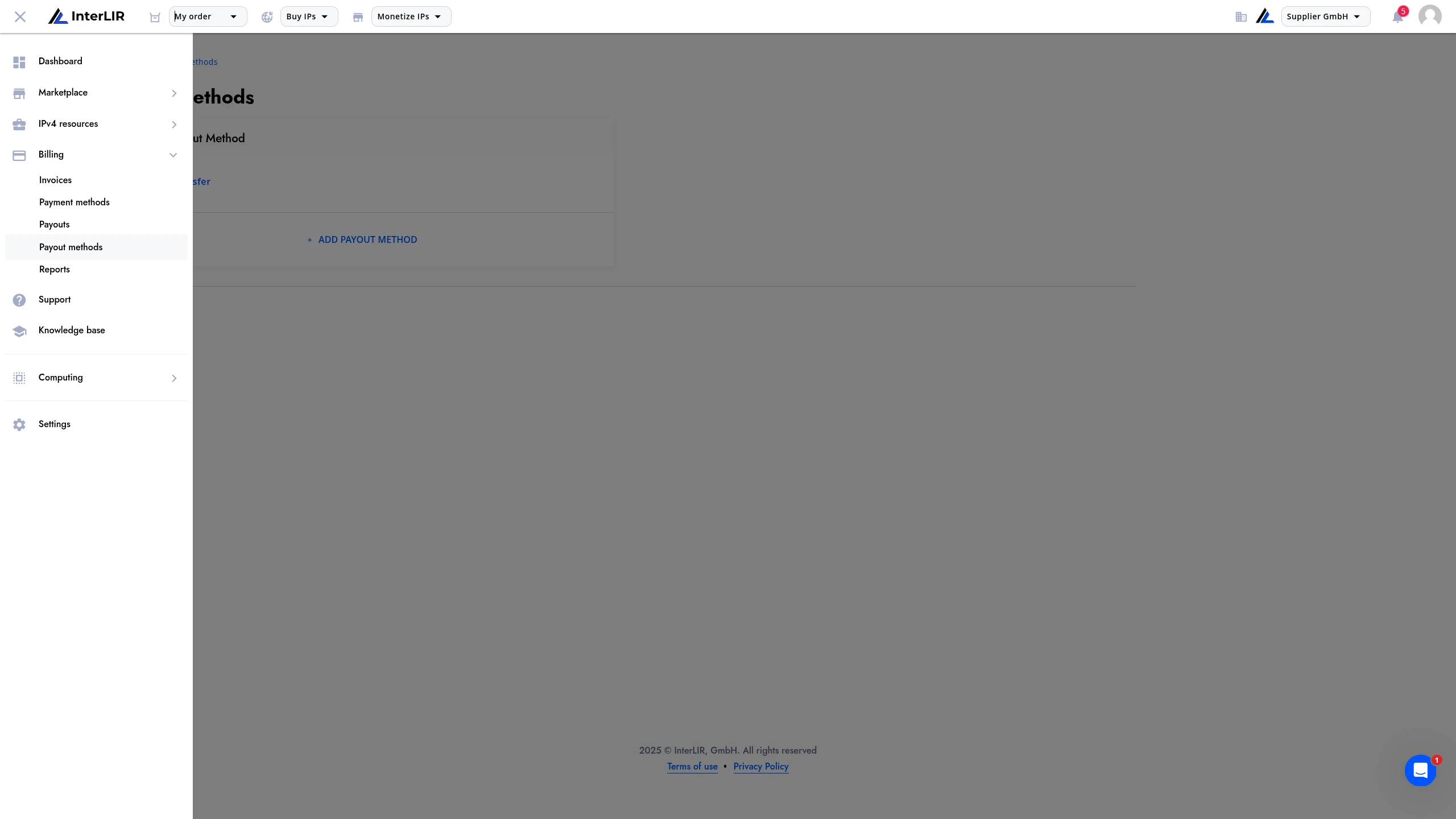
Step 2: Add a New Method
Click on the "Add payout method" button.
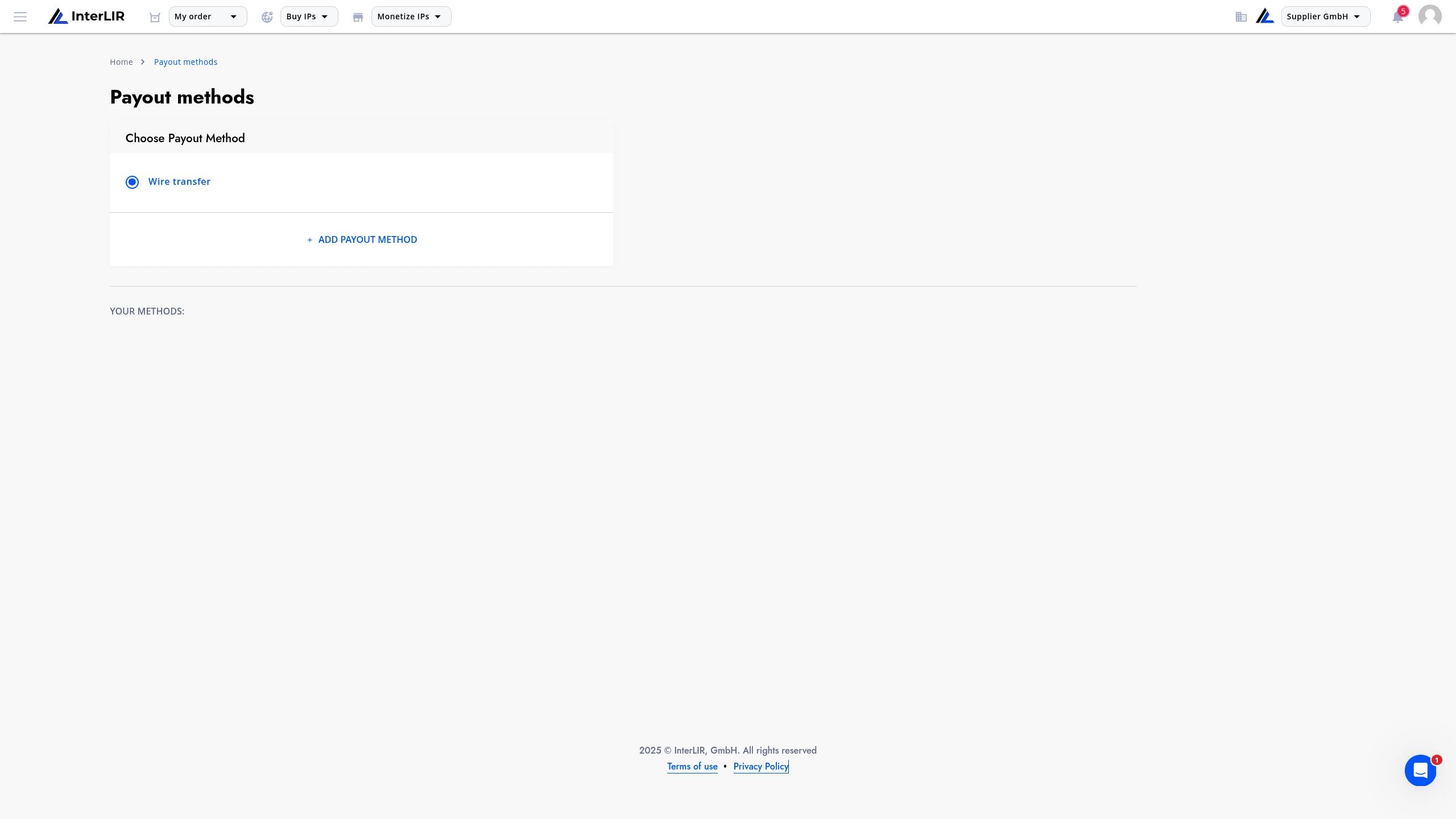
A form will appear, provided by Stripe, where you need to fill in your payout details.
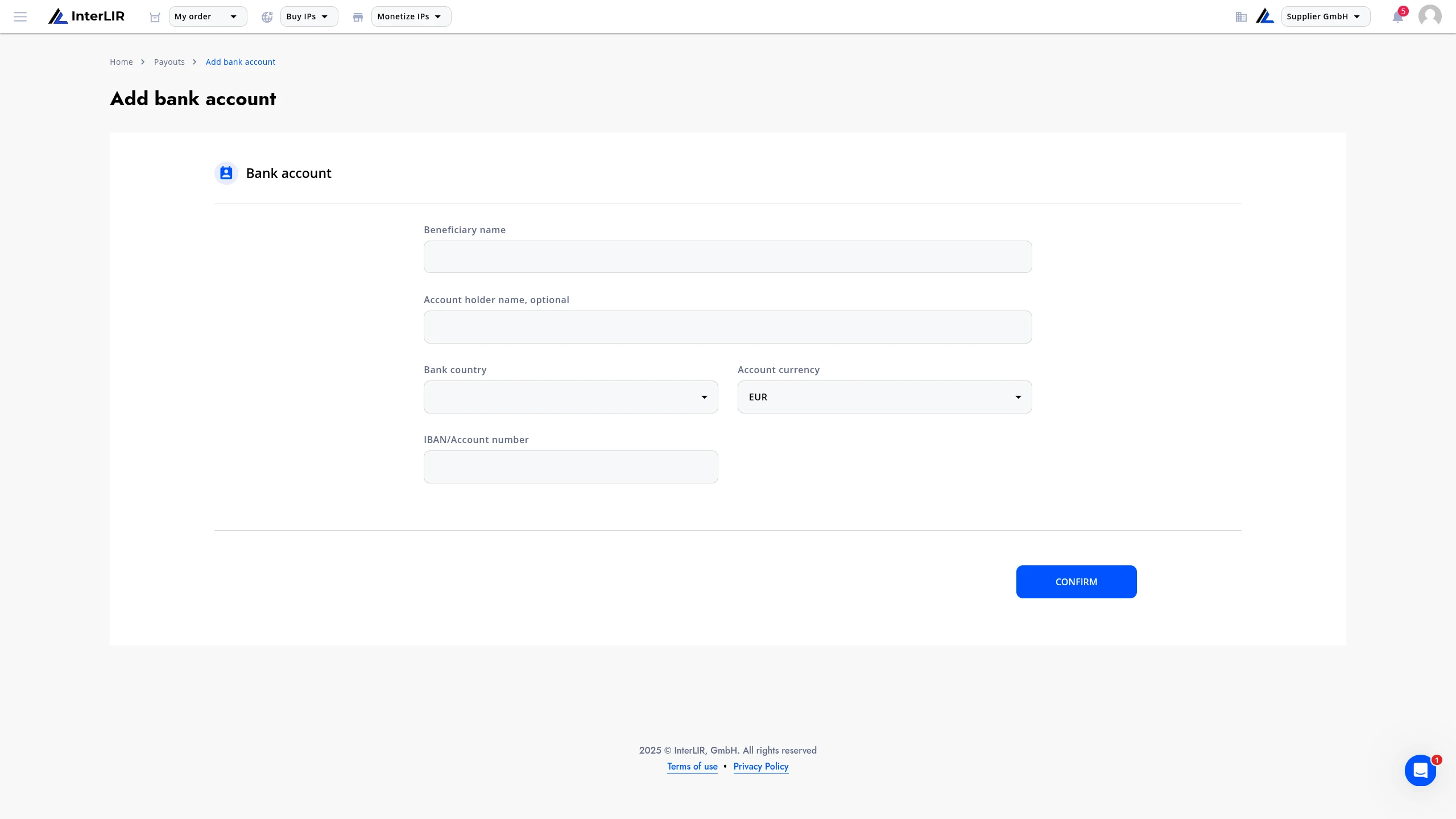
You can refer to the official Stripe payout documentation for more information about supported countries, fields, and formats.
Step 3: Field Descriptions
Depending on your bank's country, Stripe will show you specific fields that are required. Here are the most common ones:
-
Beneficiary Name
The legal name of the person or organization that will receive the funds. -
Account Holder Name
The name of the person or company that owns the bank account (often the same as the beneficiary). -
Bank Country
The country where your bank is located. This determines field formats and required identifiers. -
Account Currency
The currency in which your bank account operates (e.g., EUR, USD). Make sure it matches your account. -
IBAN
International Bank Account Number — a standardized format used in Europe and other regions to identify bank accounts. -
Routing Number
A number used primarily in the U.S. to identify your bank and branch. It may also be called sort code, transit number, or BSB depending on the country.
Step 4: Confirm and Save
Once all required fields are completed, click "Confirm".
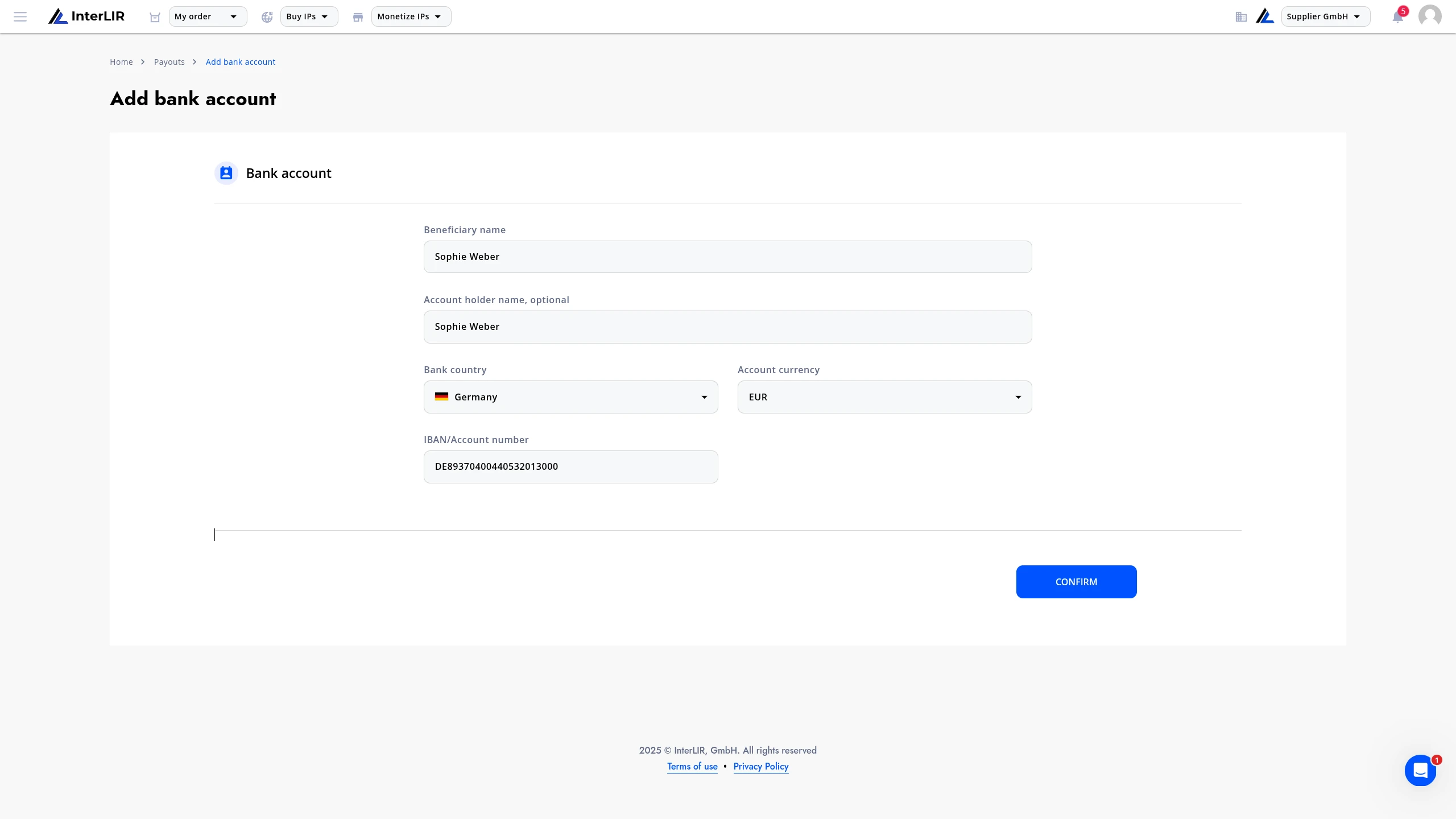
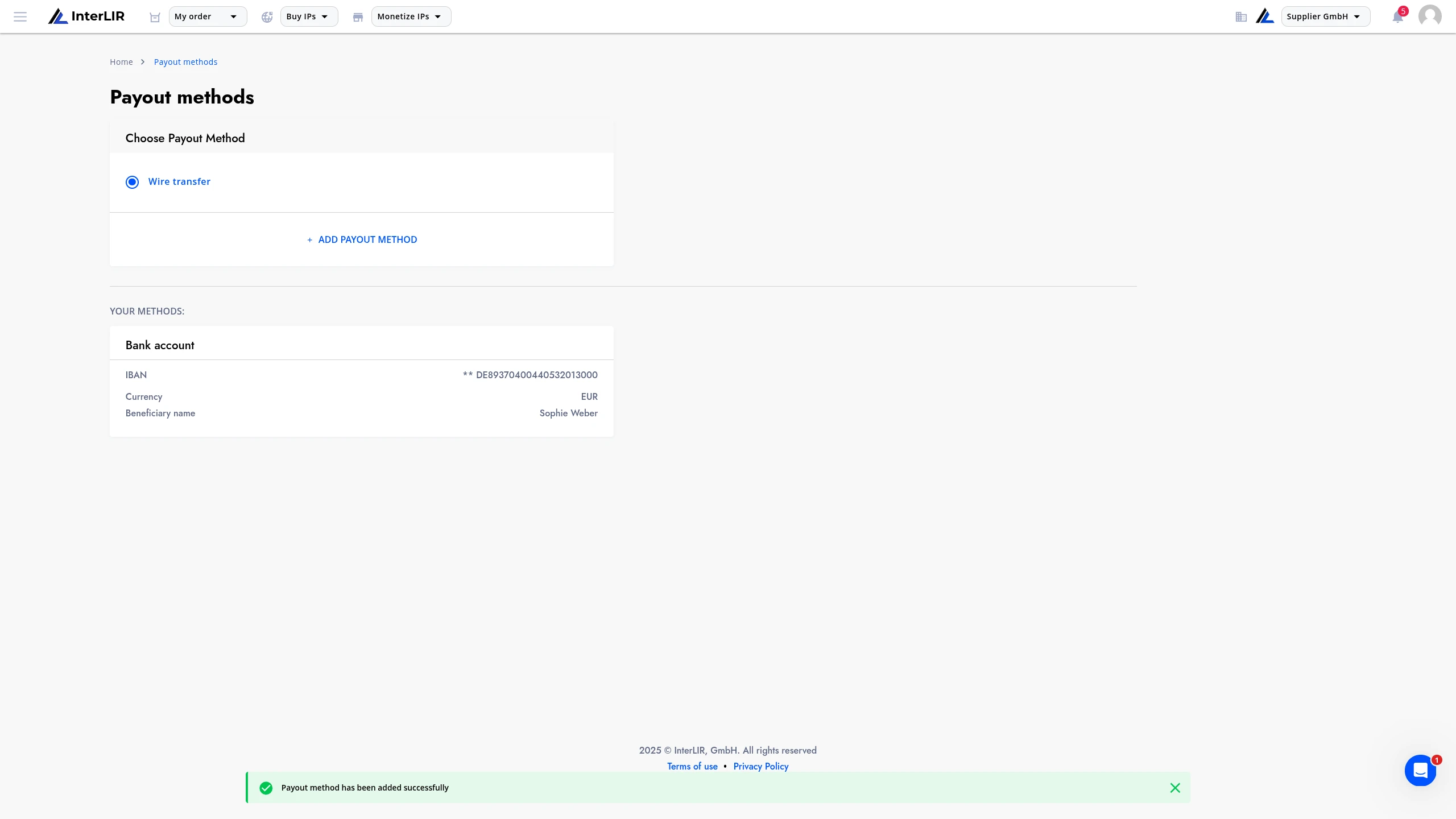
Stripe will validate and process the request. After successful processing, your payout method will be added and will appear in your list of available methods.
You can then start receiving payouts when the balance threshold is reached.
Support
If you experience any issues during this process, please contact InterLIR Support for assistance.