How to Remove a Payment Method
Customers can remove previously added payment methods (e.g., Card) from their account by following the steps below.
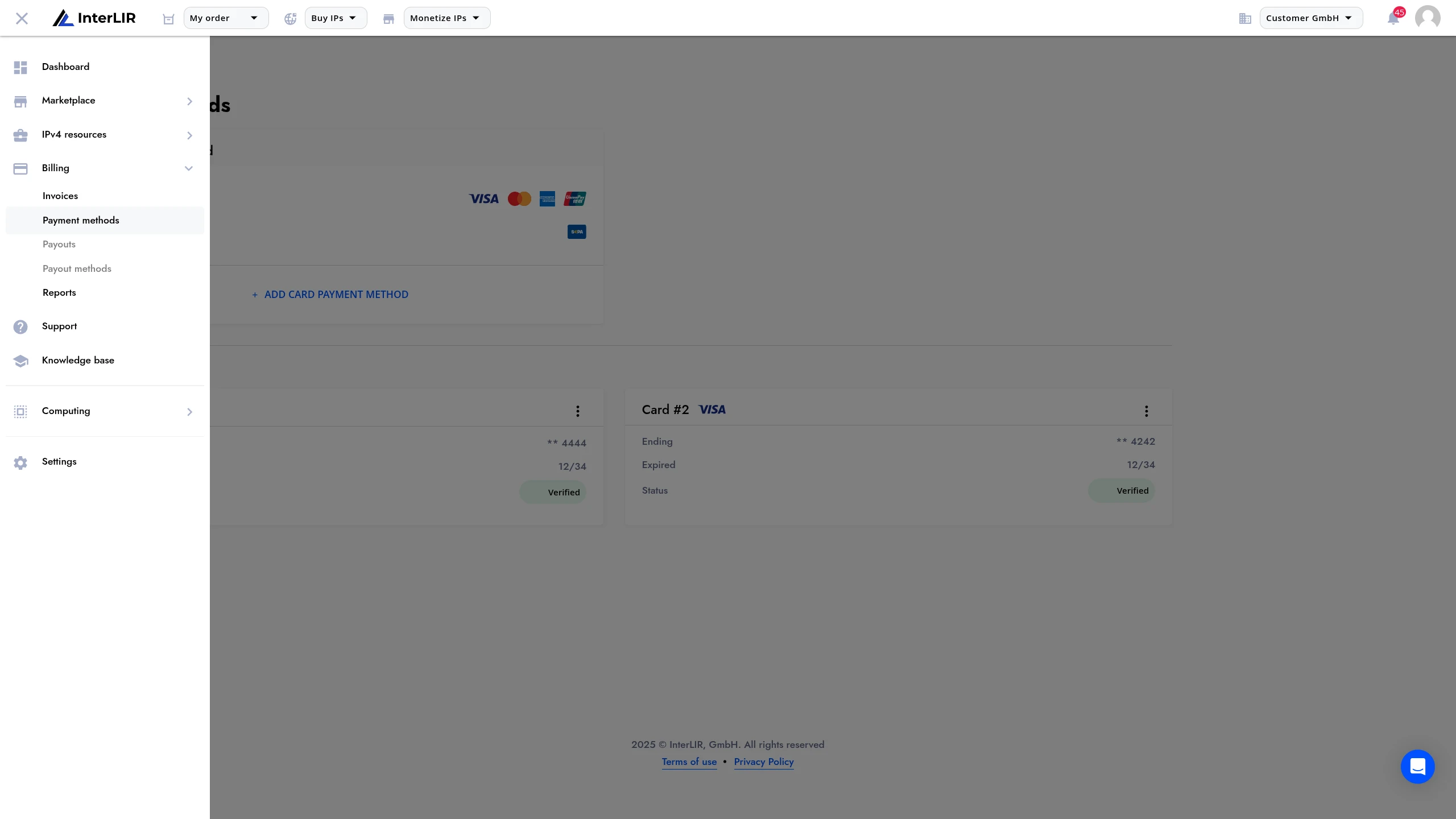
1. Go to Payment Methods Page
Navigate to:
📍 Billing → Payment Methods
🔗 https://portal.interlir.com/billing
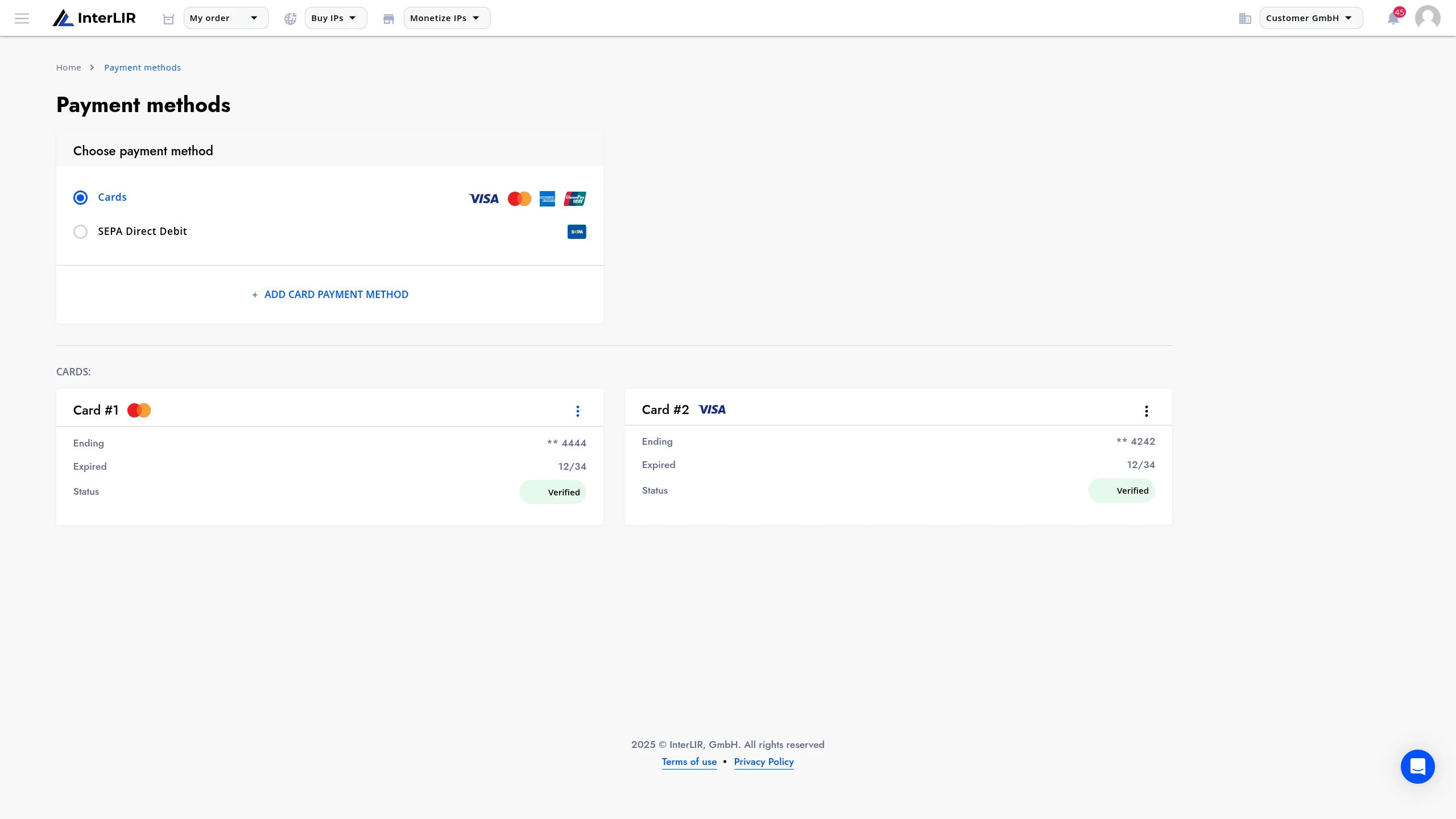
2. Open the Context Menu
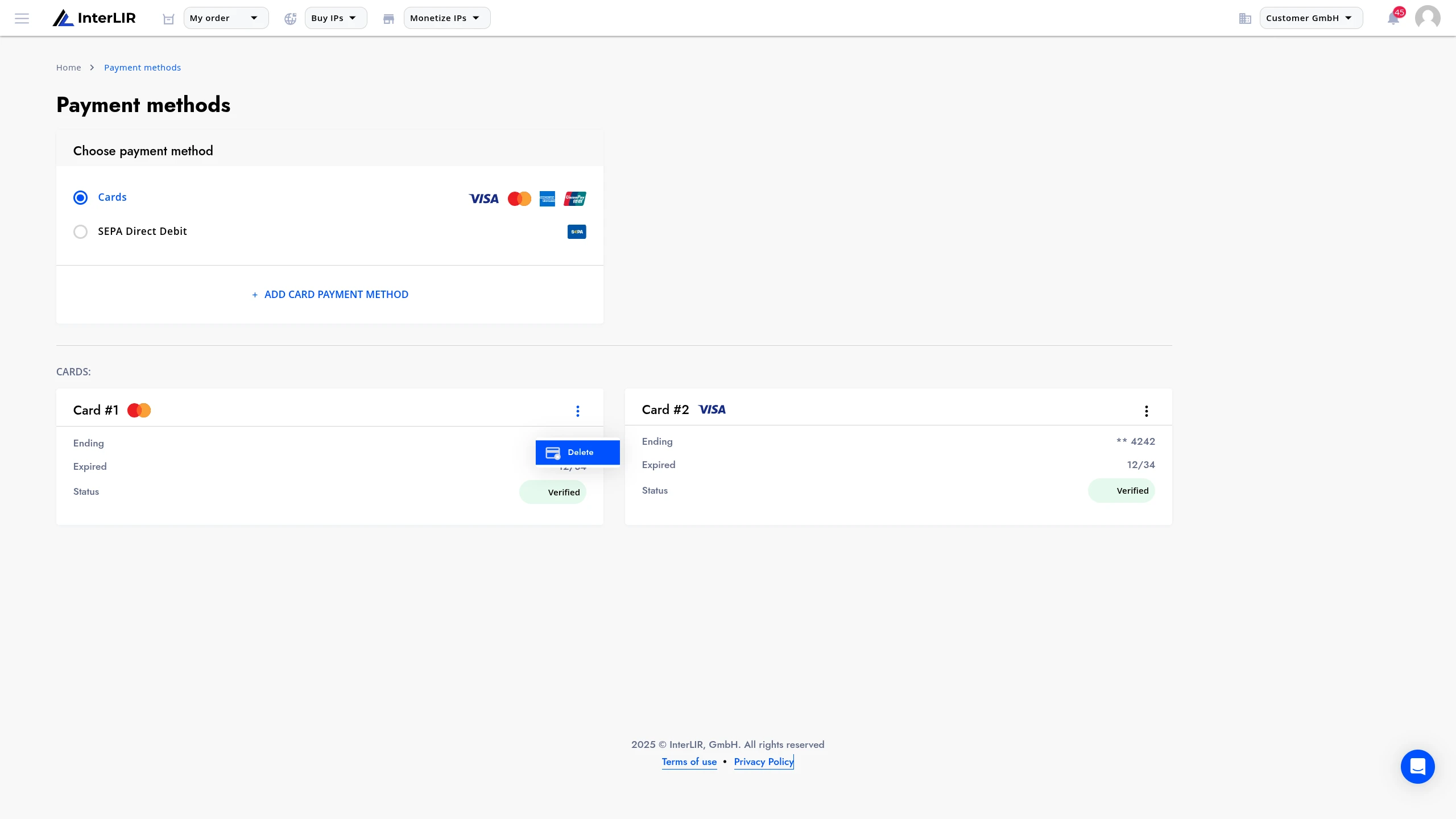
Find the payment method you want to remove.
Click the context menu (three dots) next to it and select Delete.
3. Resolve Linked Contracts (if any)
A modal window will open with two possible outcomes:
-
✅ If the method is not used by any active contract, you can confirm and delete it directly.
-
⚠️ If the method is used by active contracts, you will be asked to reassign those contracts to another payment method before deletion.
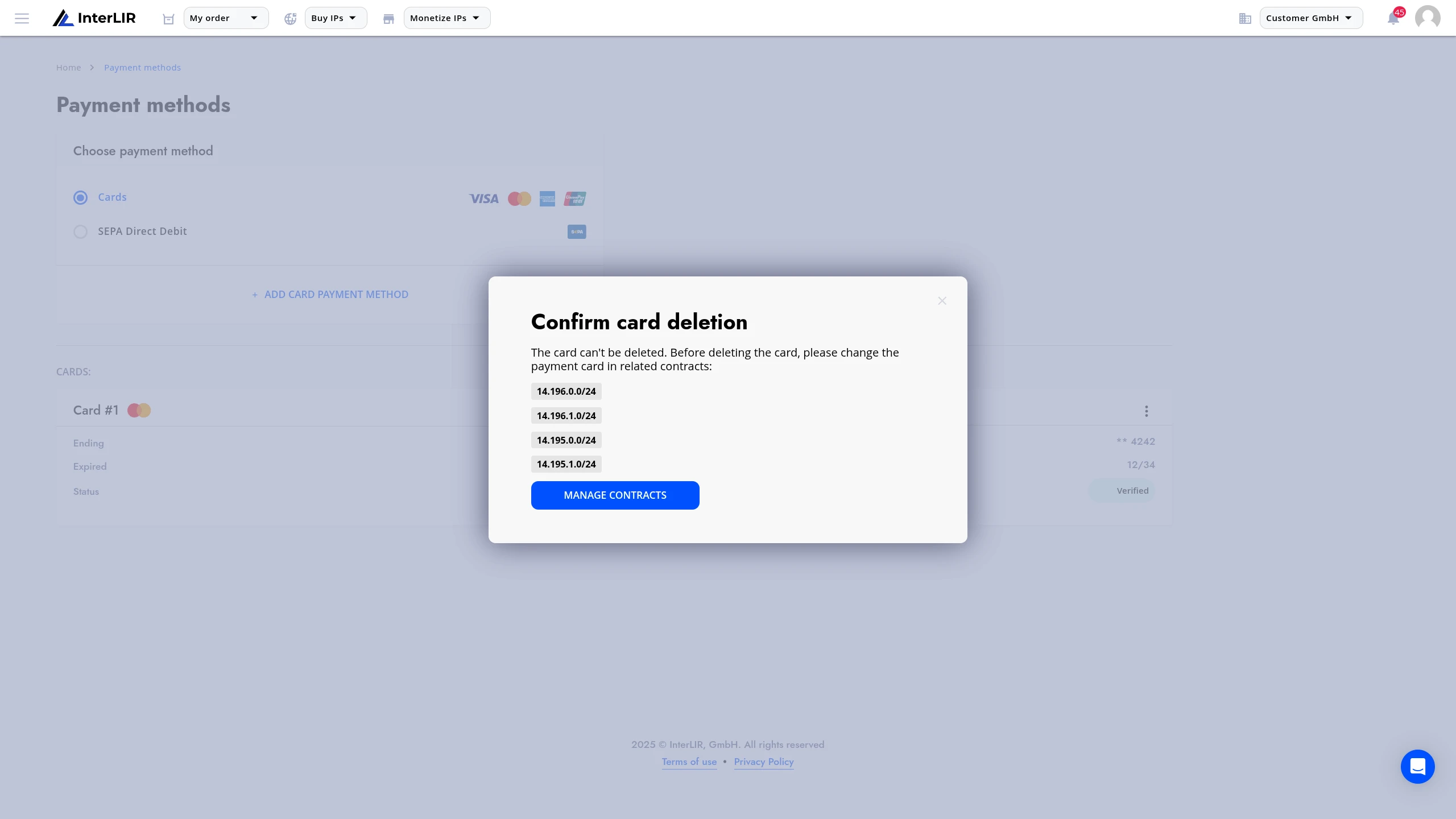
Click Manage Contracts to view the list of subscriptions using this method.
To change the payment method for these subscriptions, follow this guide:
👉 Changing payment method
Once all linked subscriptions have been updated, you can return and delete the payment method.
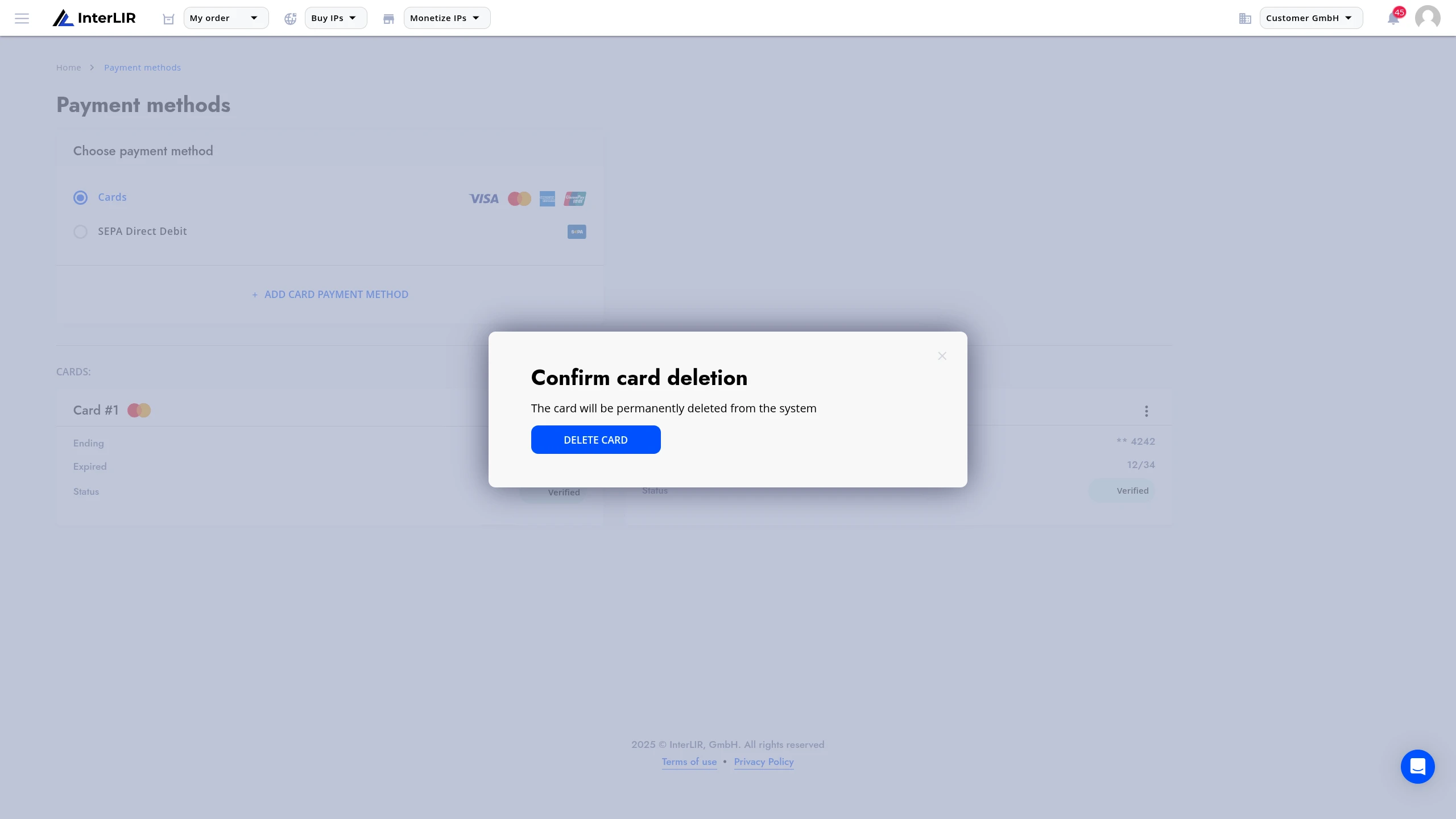
4. Confirmation
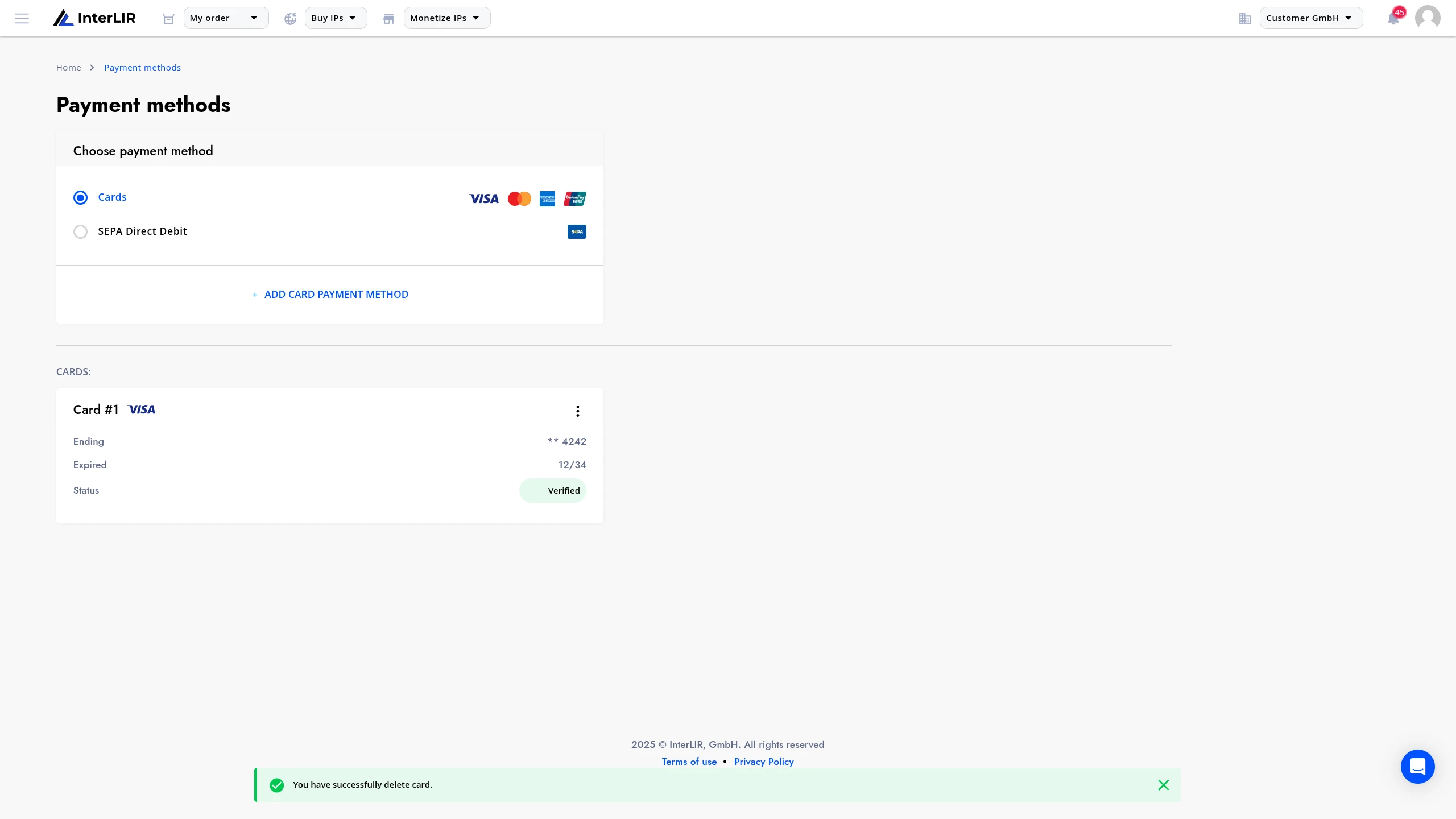
After a successful deletion, a confirmation message will appear at the bottom of the screen. The payment method is now removed.
See also
- How to Change a Payment Method
- How to Import a Payout Method
- How to Make a Payout Request
- Customer - Learn about customer capabilities
- Business Account - Account management overview