How to Participate in an Auction
This guide is intended for Customers who want to participate in an auction to purchase an IP-Block on the InterLIR marketplace.
1. Open the Auction Page
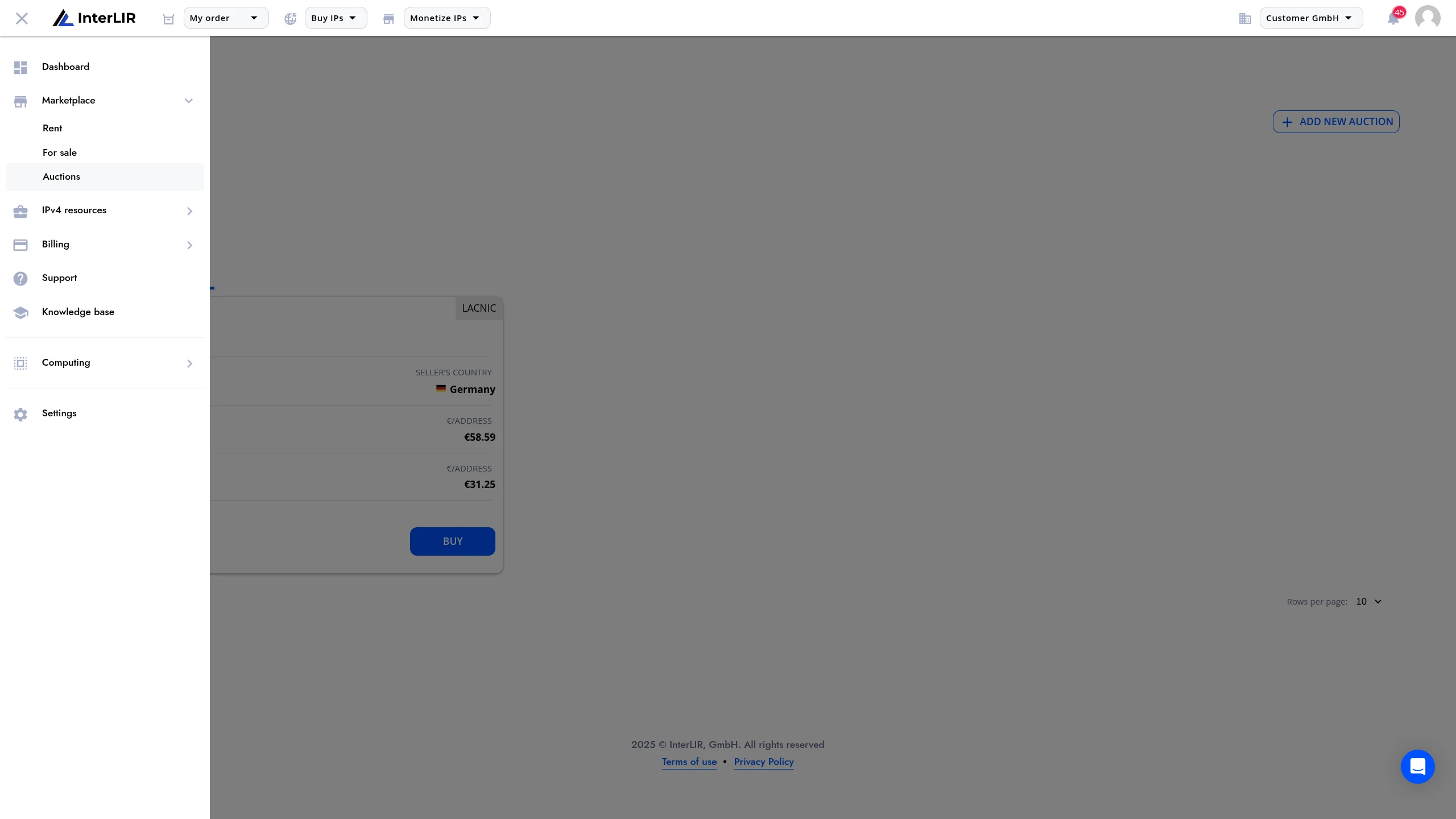
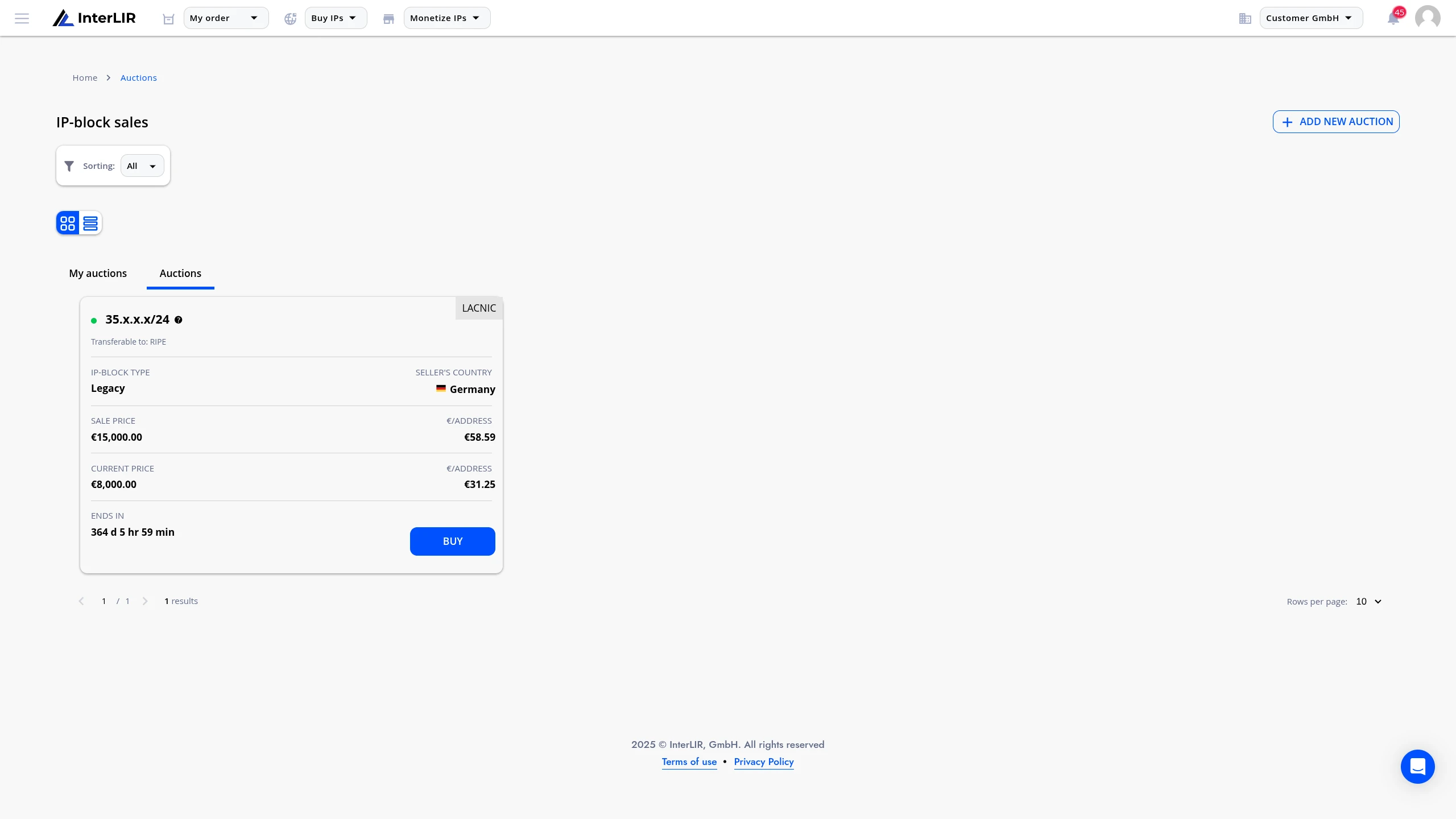
Navigate to Marketplace → Auctions → Auctions tab
🔗 https://portal.interlir.com/marketplace-sales
Once you're on the auctions page, browse through the available auctions and select the one you want to participate in. Then click the Buy button to proceed.
2. Place a Bid or Use Instant Buy
On the auction page, you'll see two participation options:
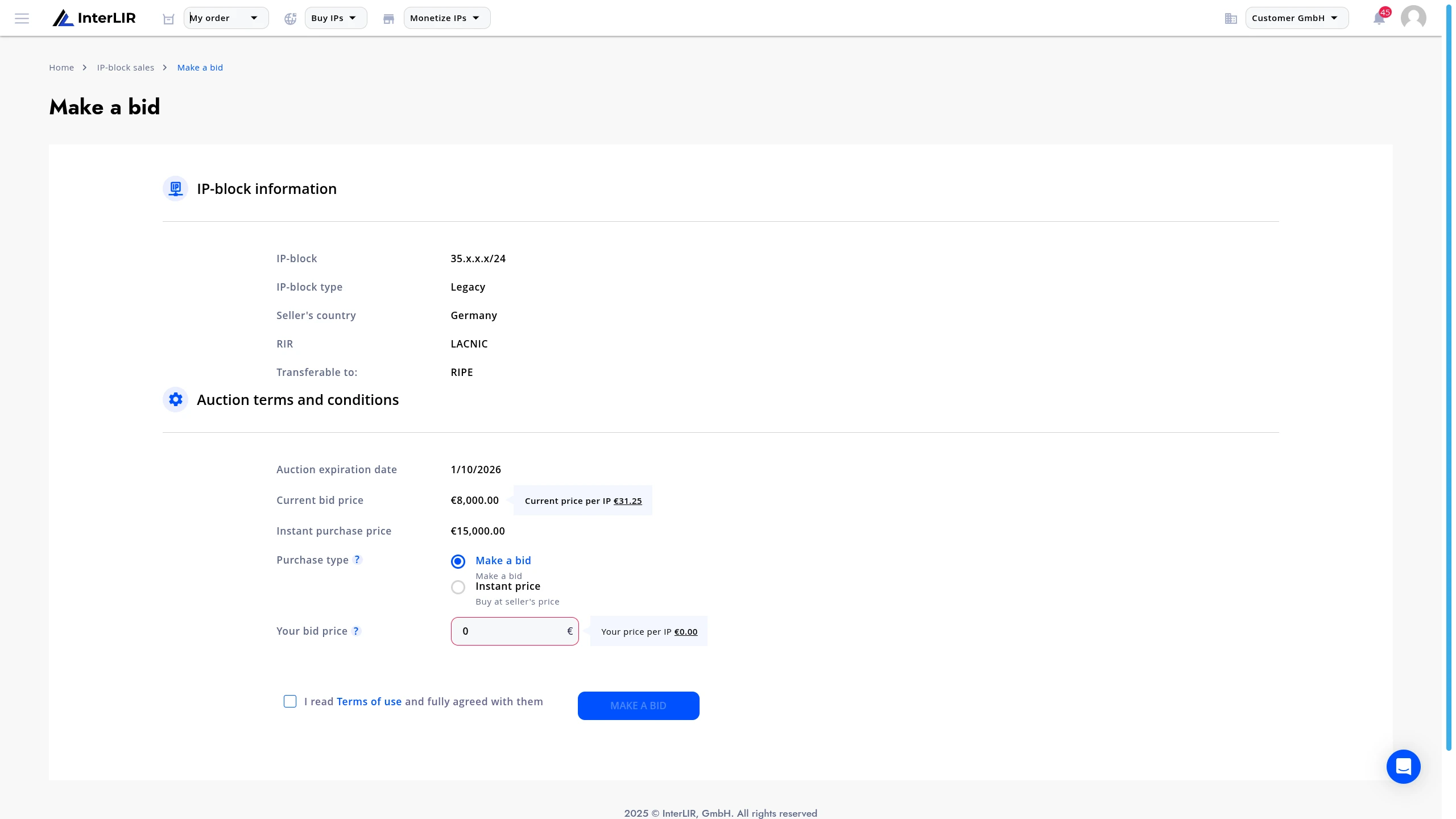
- Place a bid by entering an amount higher than the current highest bid
- Use Instant Buy to purchase the IP block immediately at the instant price
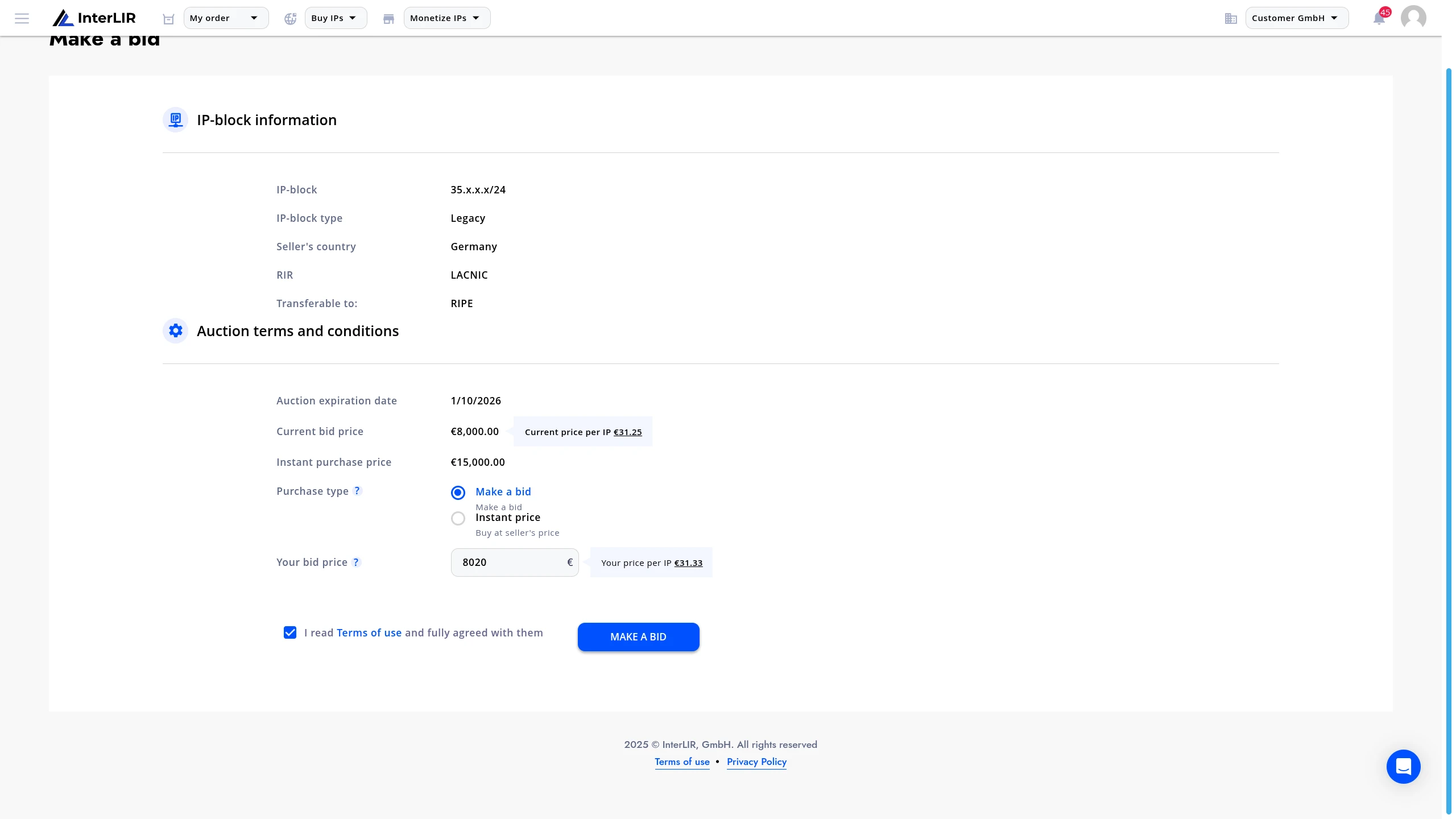
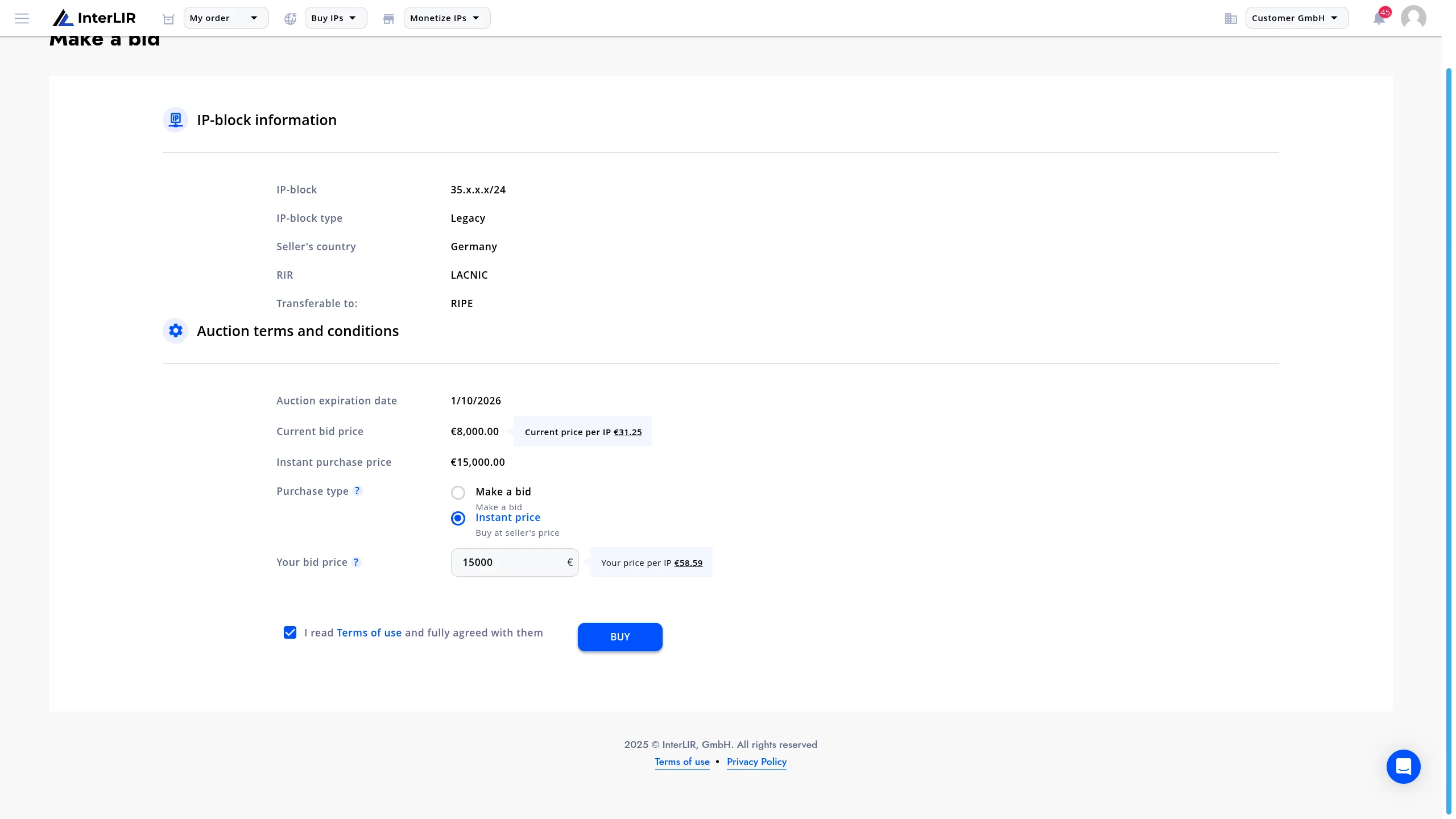
After selecting your preferred option, click either Buy (for instant purchase) or Make a Bid (for placing a bid) to proceed with your choice.
3. What Happens Next?
After placing your bid or using instant buy, here's what to expect:
If you placed a bid: - If your bid remains the highest until the auction ends, you will be declared the winner when the auction closes - If someone outbids you before the auction ends, you can place another bid to stay competitive
💡 Instant Buy:
If you chose the Instant Buy option — congratulations! 🎉
You immediately win the auction, and our sales team will contact you shortly to complete the transaction.
Need Help?
For assistance with auctions or sales inquiries, contact our sales team:
📨 Alexei Krylov — [email protected]
📨 Evgeny Sevastyanov — [email protected]
👉 interlir.com/team