How to Make an Order
To place an order on the InterLIR platform, the following conditions must be met:
Prerequisites
- You must be a registered user.
- You must have an approved Business Account.
- (Optional) You should have an imported payment method, if required by your region or payment type.
Step-by-Step Process
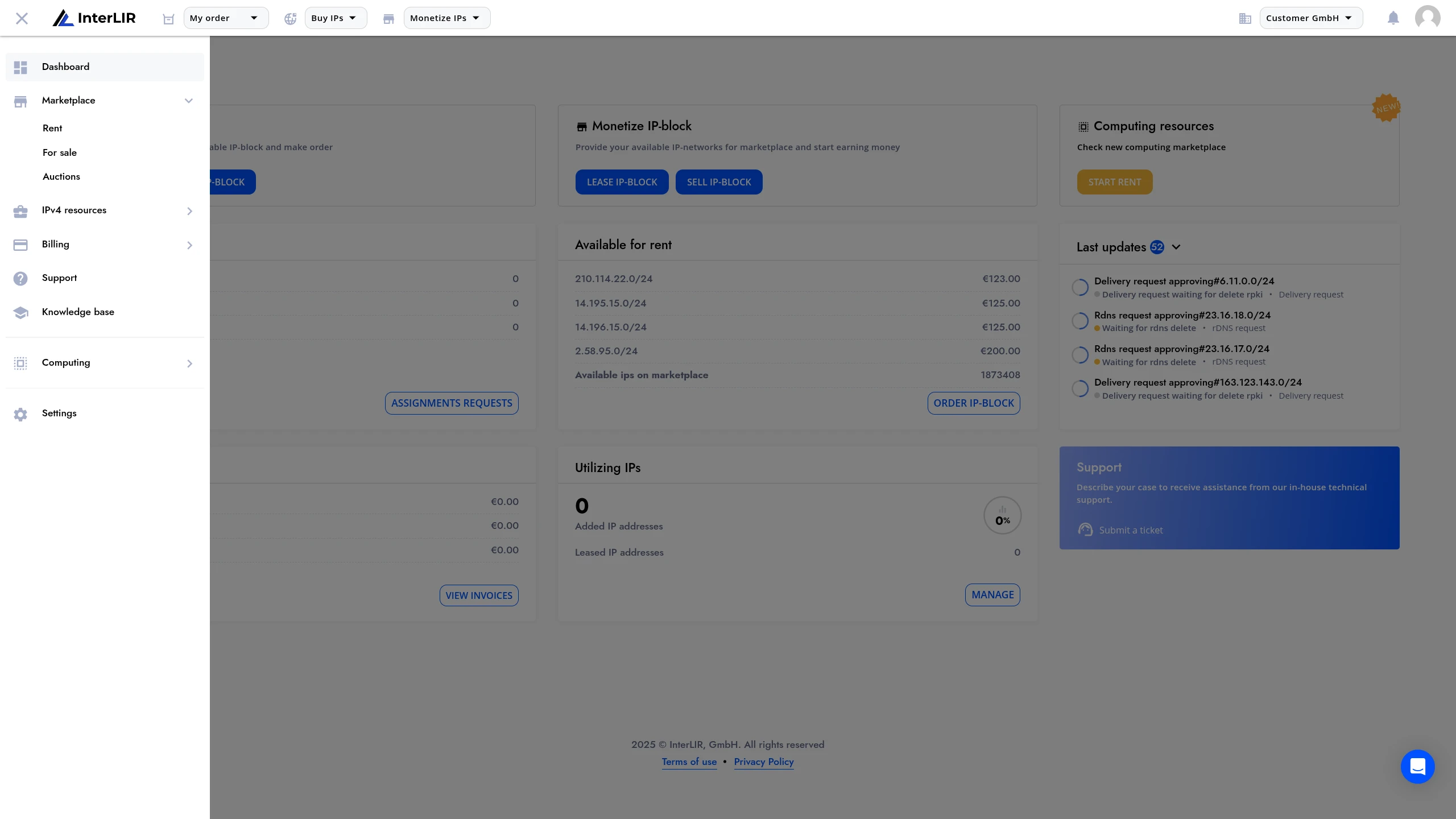
1. Open the Marketplace
Go to https://portal.interlir.com/marketplace
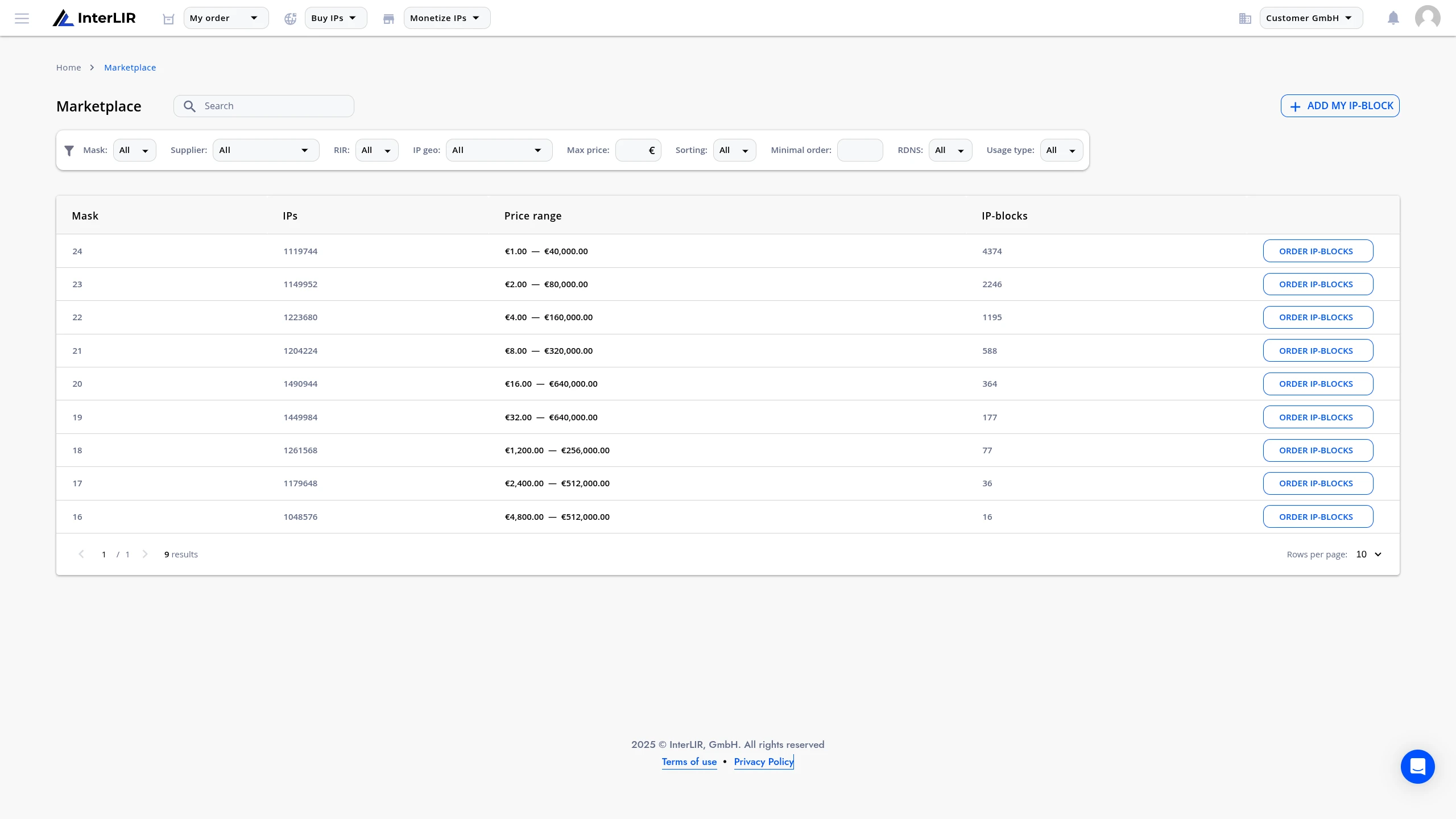
2. Select the Prefix Mask
Choose the IP block size you want to lease — e.g. /24, /23, ..., /16.
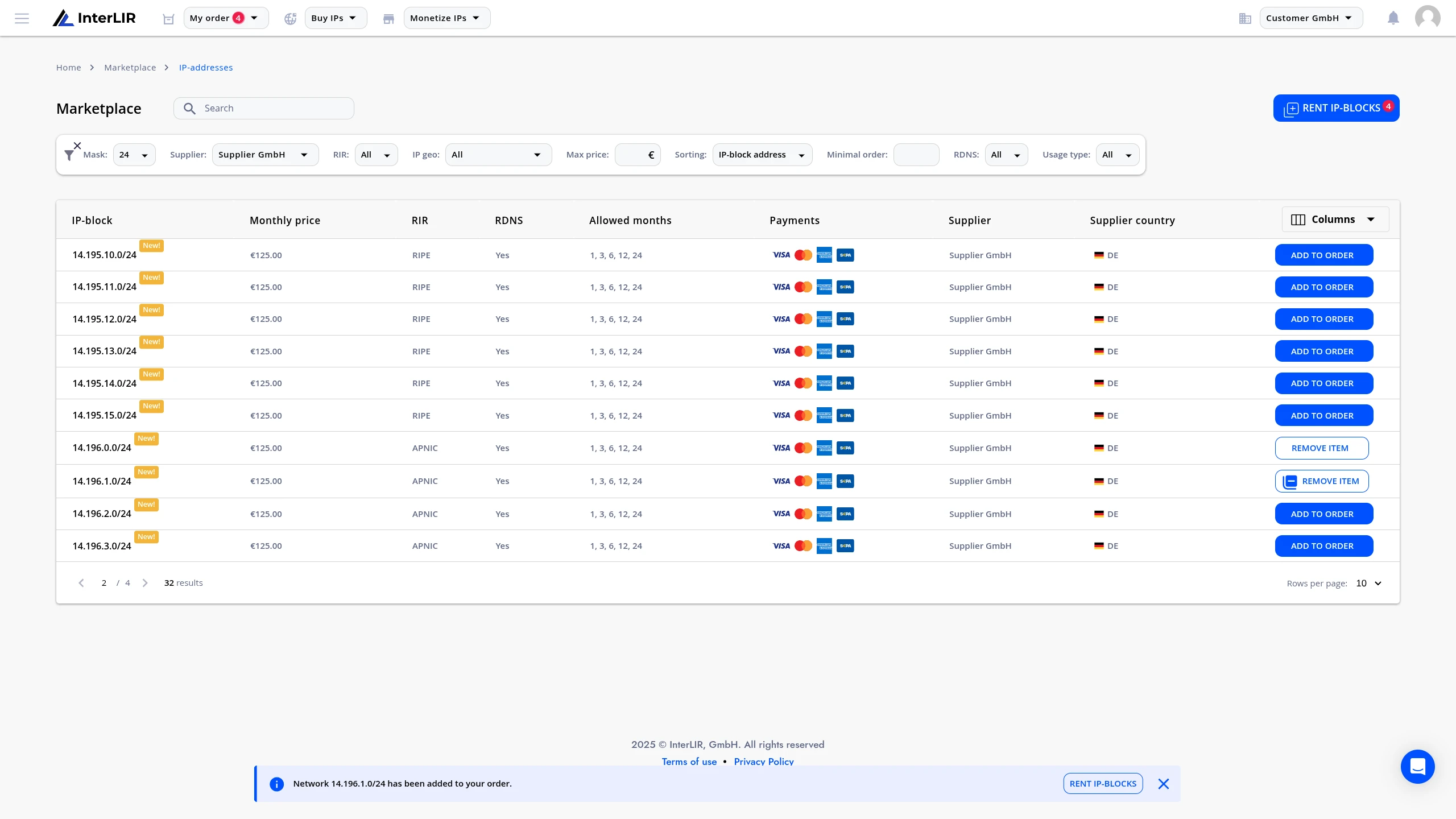
3. Apply Filters (optional)
You may narrow down results using available filters:
- Supplier organization name
- RIR
- IP Geo
- Max price
- Minimal order period
- rDNS availability
- Usage type
- Allocation type (shown on listings as IP Block Status), etc.
4. Add Blocks to Cart
Select one or more IP-Blocks and add them to the cart.
⚠️ Important: One order cannot contain more than 20 blocks from the same Supplier.
If the cart contains more than 20, orders will be placed in multiple sequential stages.
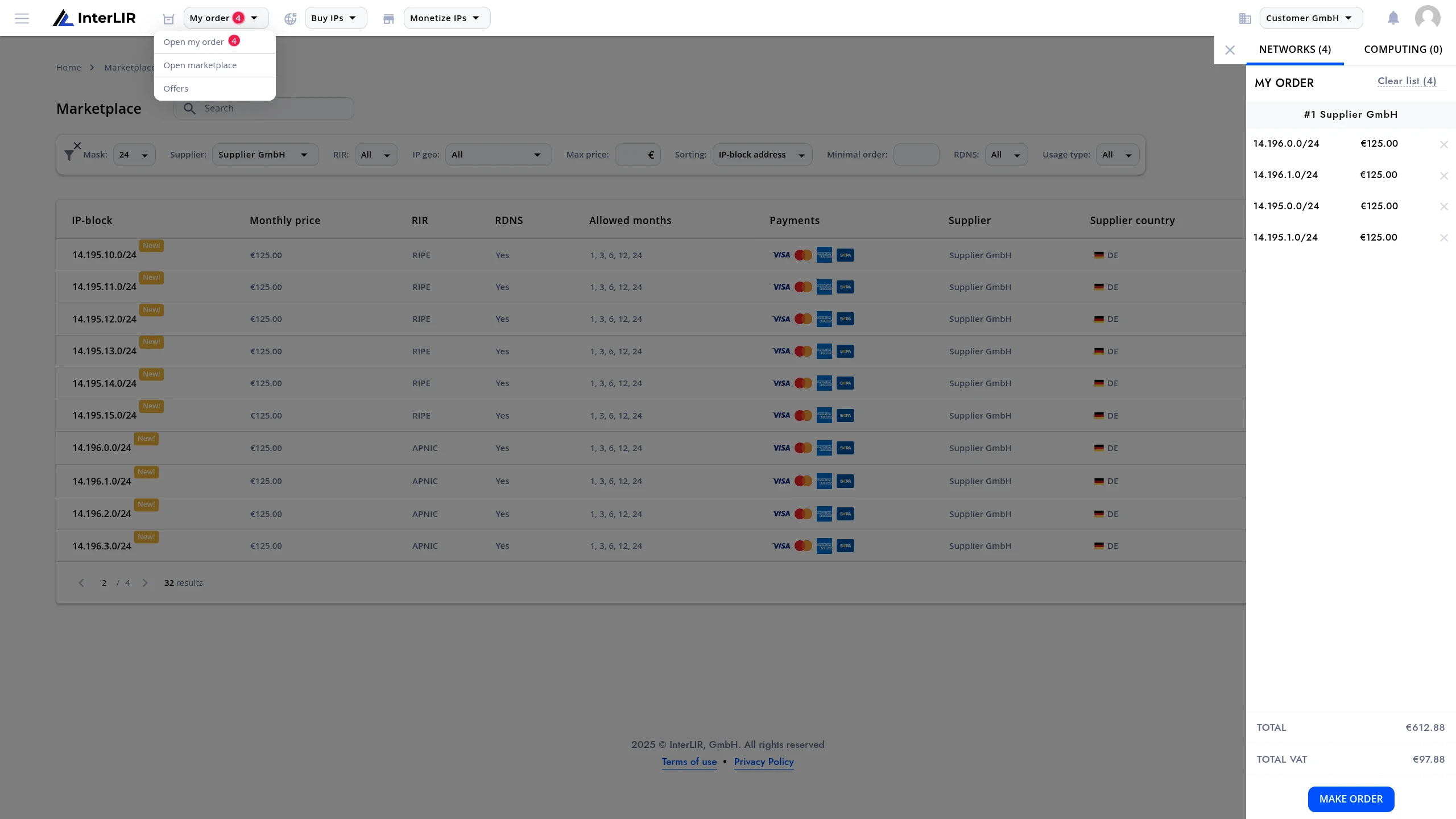
5. Proceed to Checkout
Click Make Order from the cart.
6. Choose Lease Period
On the order page, choose the minimum lease duration.
This depends on the block settings configured by the Supplier.
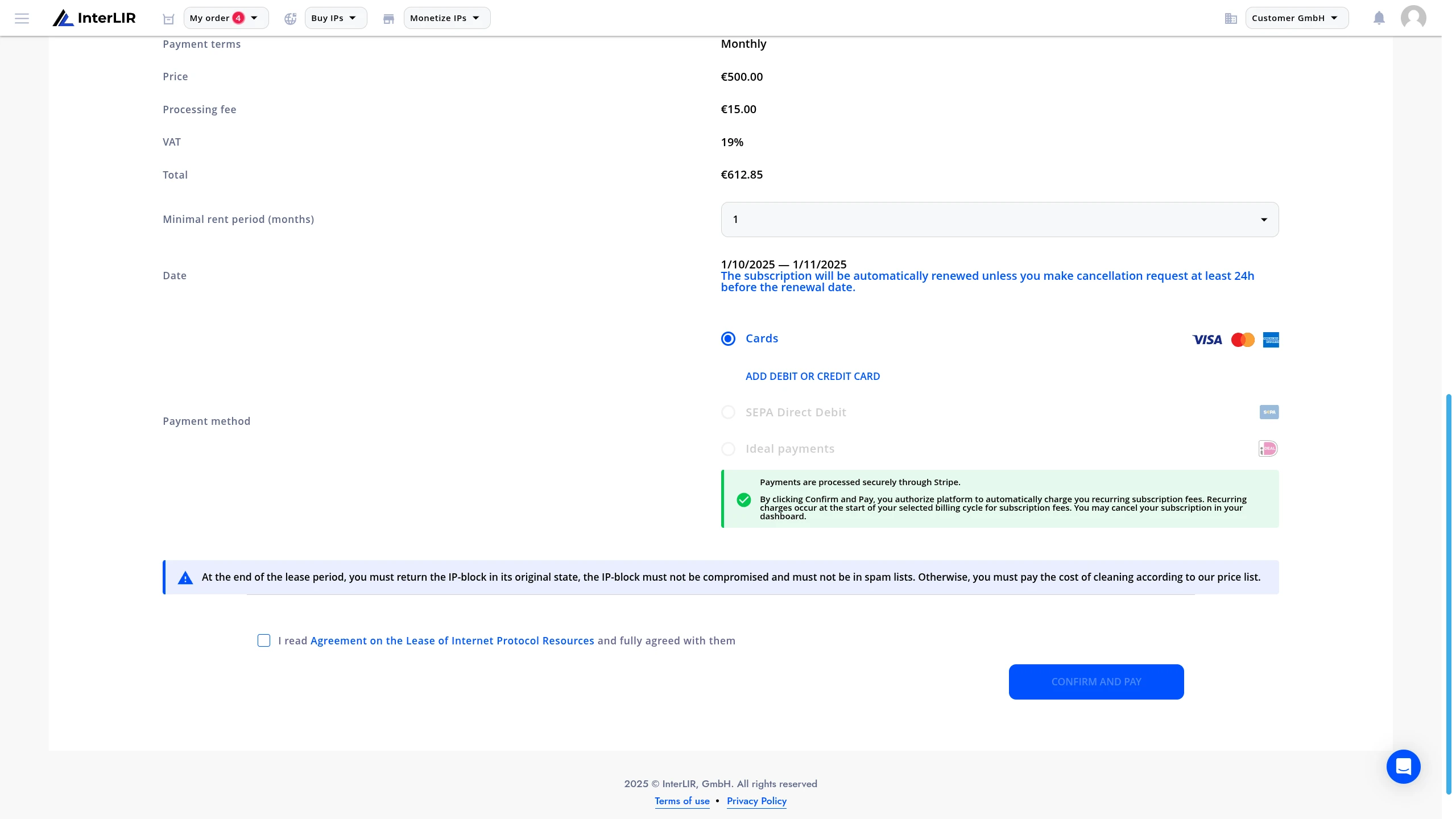
7. Select Payment Method
Choose your payment method:
- Credit/Debit Card
- SEPA
- iDEAL
⚠️ Note: SEPA and iDEAL may be unavailable depending on:
– Supplier's payment acceptance settings
– Internal platform restrictionsPlease contact support if needed.
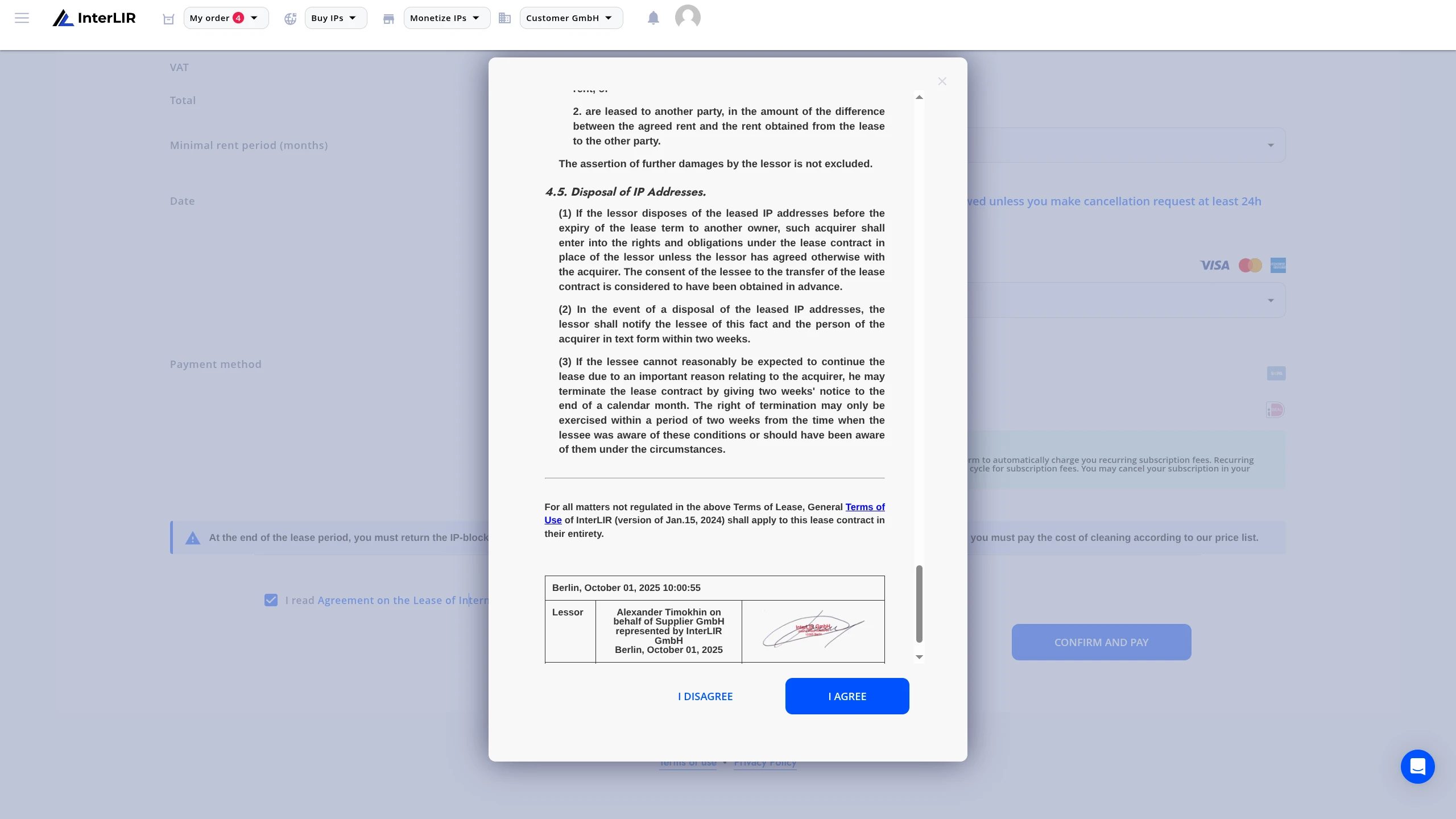
8. Review Contract
Read the lease contract and activate the checkbox to confirm that you accept its terms.
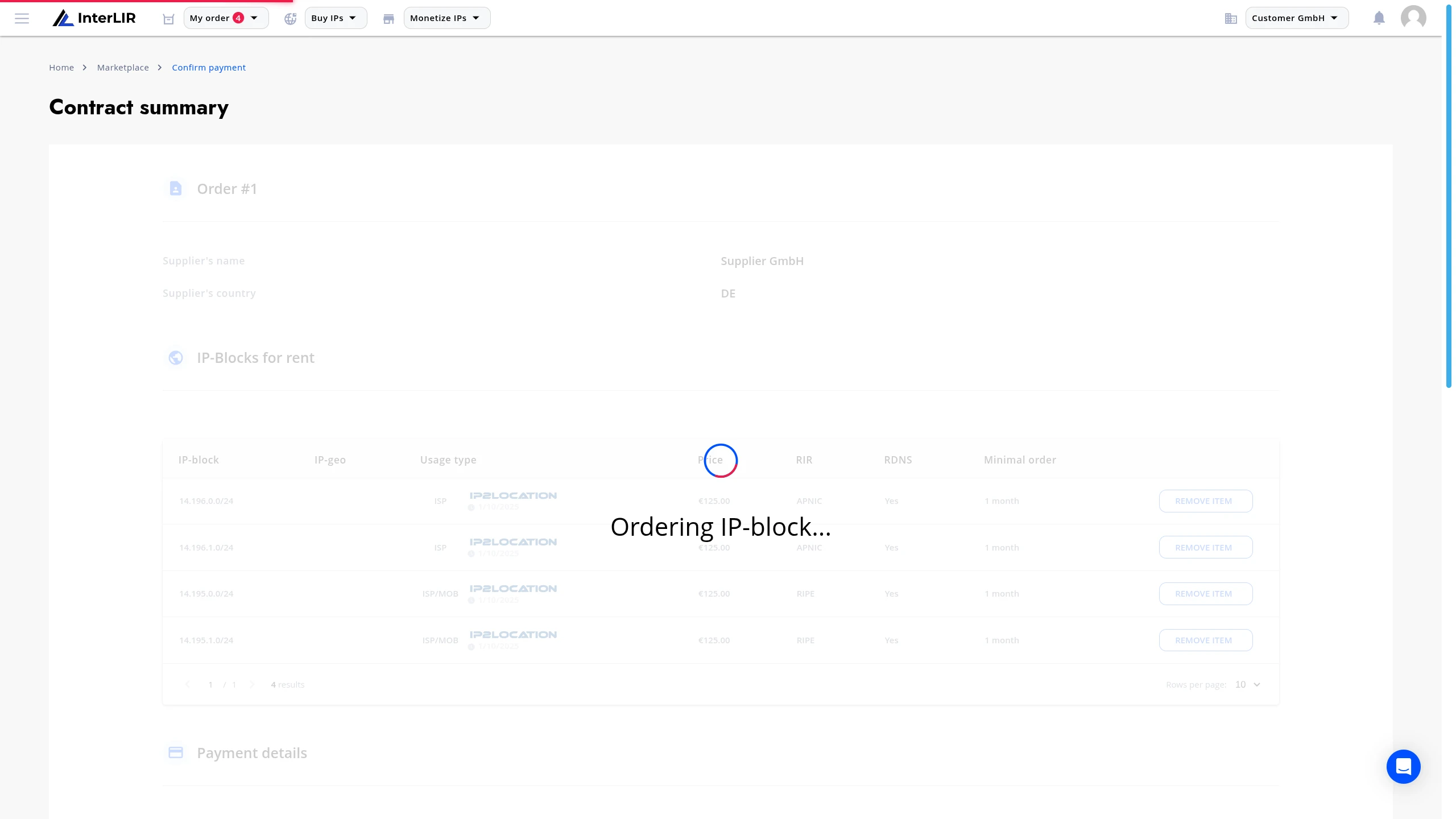
9. Confirm and Pay
Click Confirm and Pay to complete the payment process.
10. 3D Secure (optional)
Follow the steps required by your bank to complete the transaction if 3D Secure or other authentication is required.
11. Repeat for Multi-Contract Orders
If the order contains multiple contracts (due to different Suppliers or block settings), you will need to repeat Steps 6–10 for each contract.
If there is only one contract, you will be redirected to your Orders page.
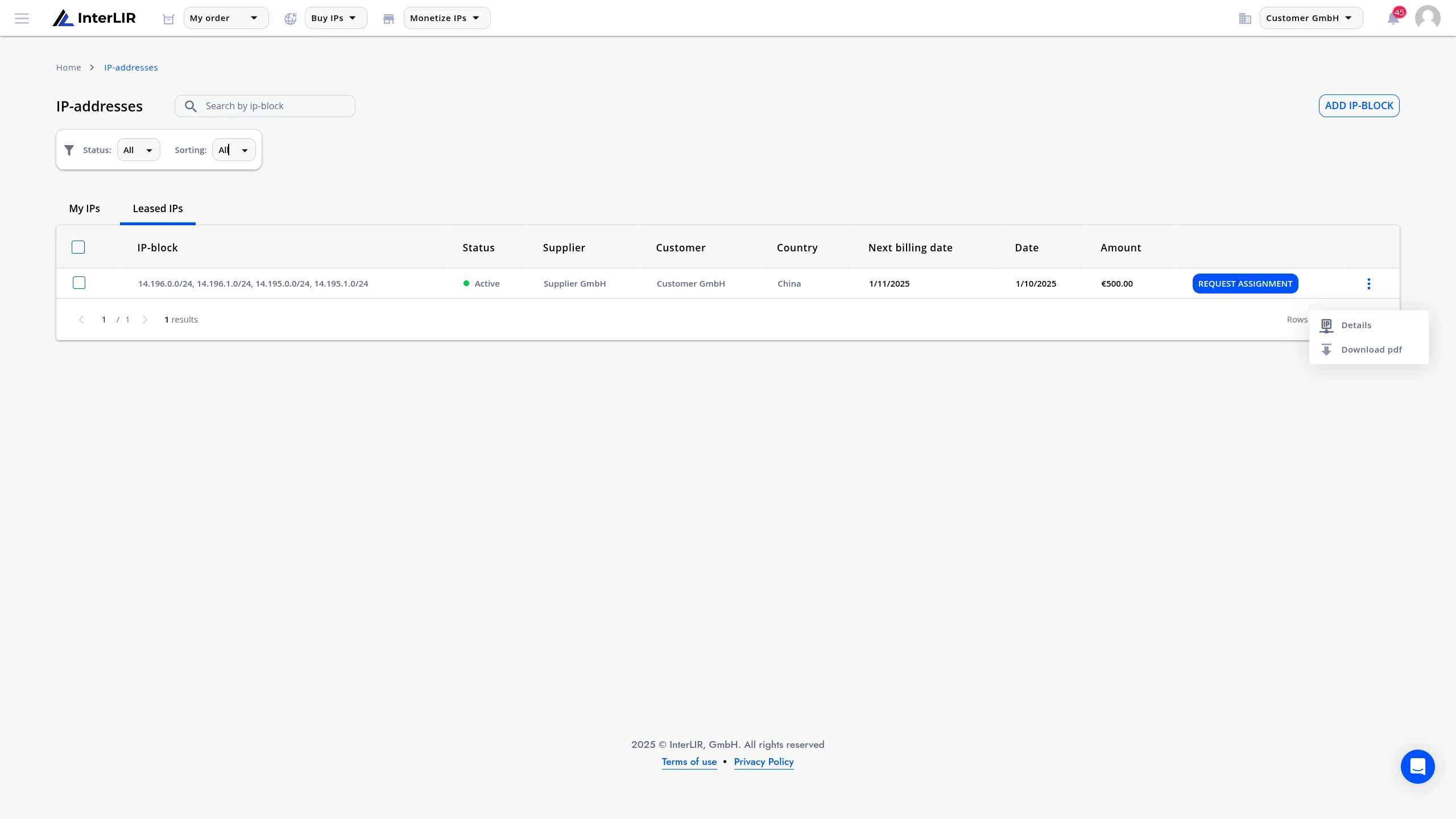
From there, you can:
- View and manage active leases
- Submit an Assignment Request
- Submit an rDNS Request
Recurring Payments
Payments for the lease will be charged automatically via Stripe
once per month, on the same calendar day that the contract was initially signed.