How to Import a Sale Offer
This guide is for Suppliers who want to sell their IP-Blocks via direct sale on the InterLIR platform.
💡 Alternative: You can also sell IP blocks through auctions. See How to Import an Auction.
1. Go to the Sale Offers Page
Navigate to:
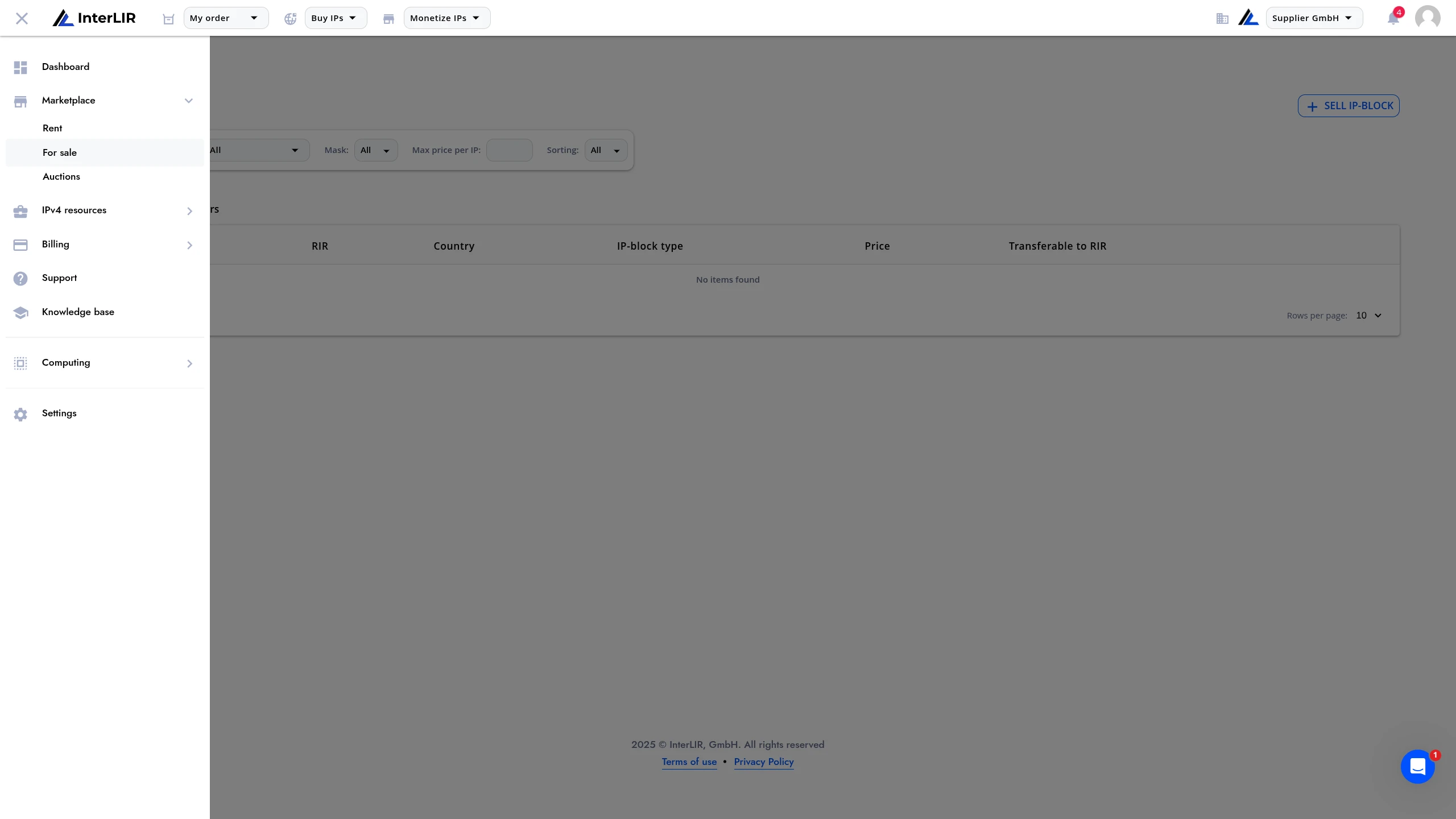
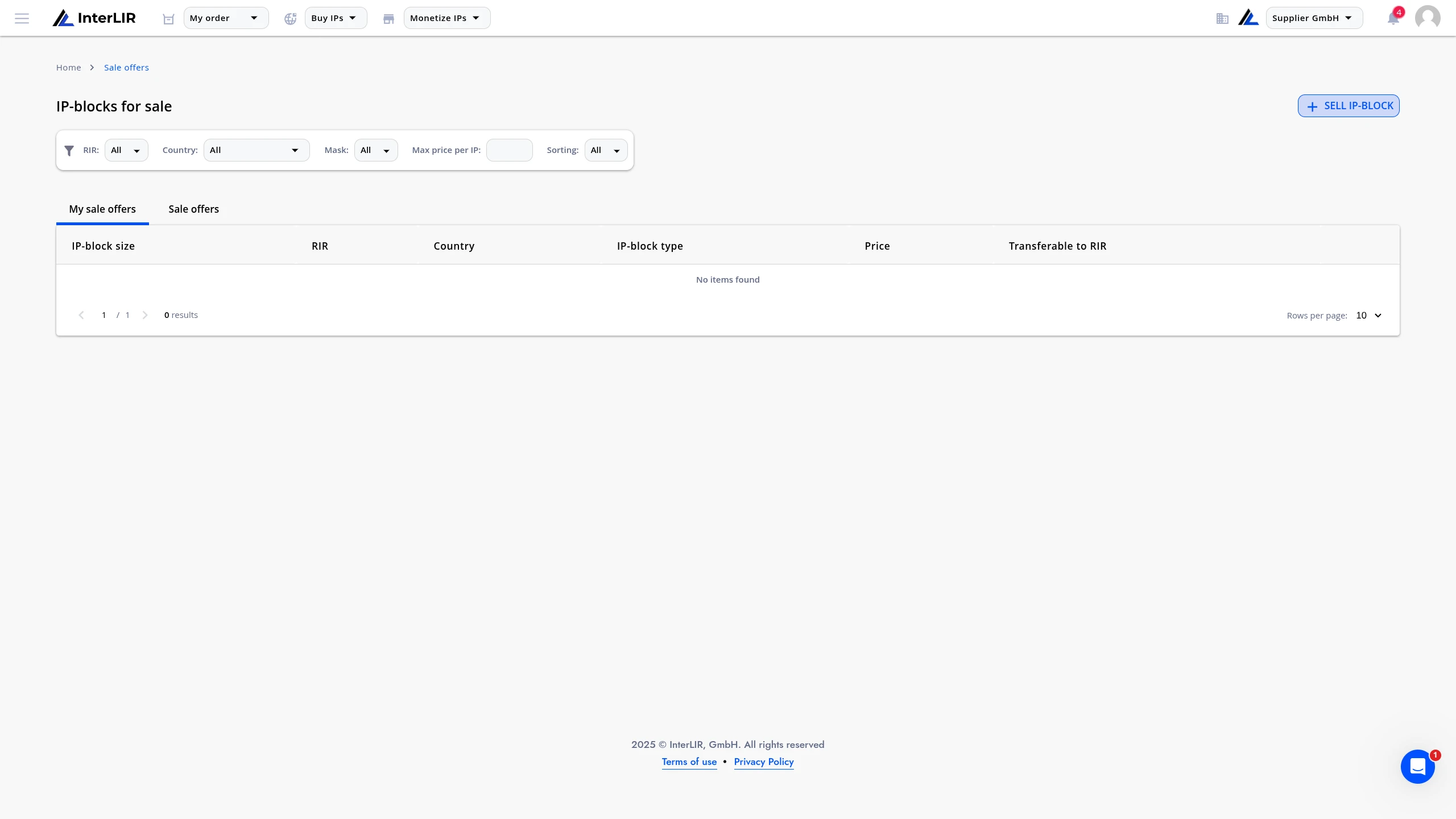
📍 Marketplace → For Sale → My Sale Offers
🔗 https://portal.interlir.com/sales-offers
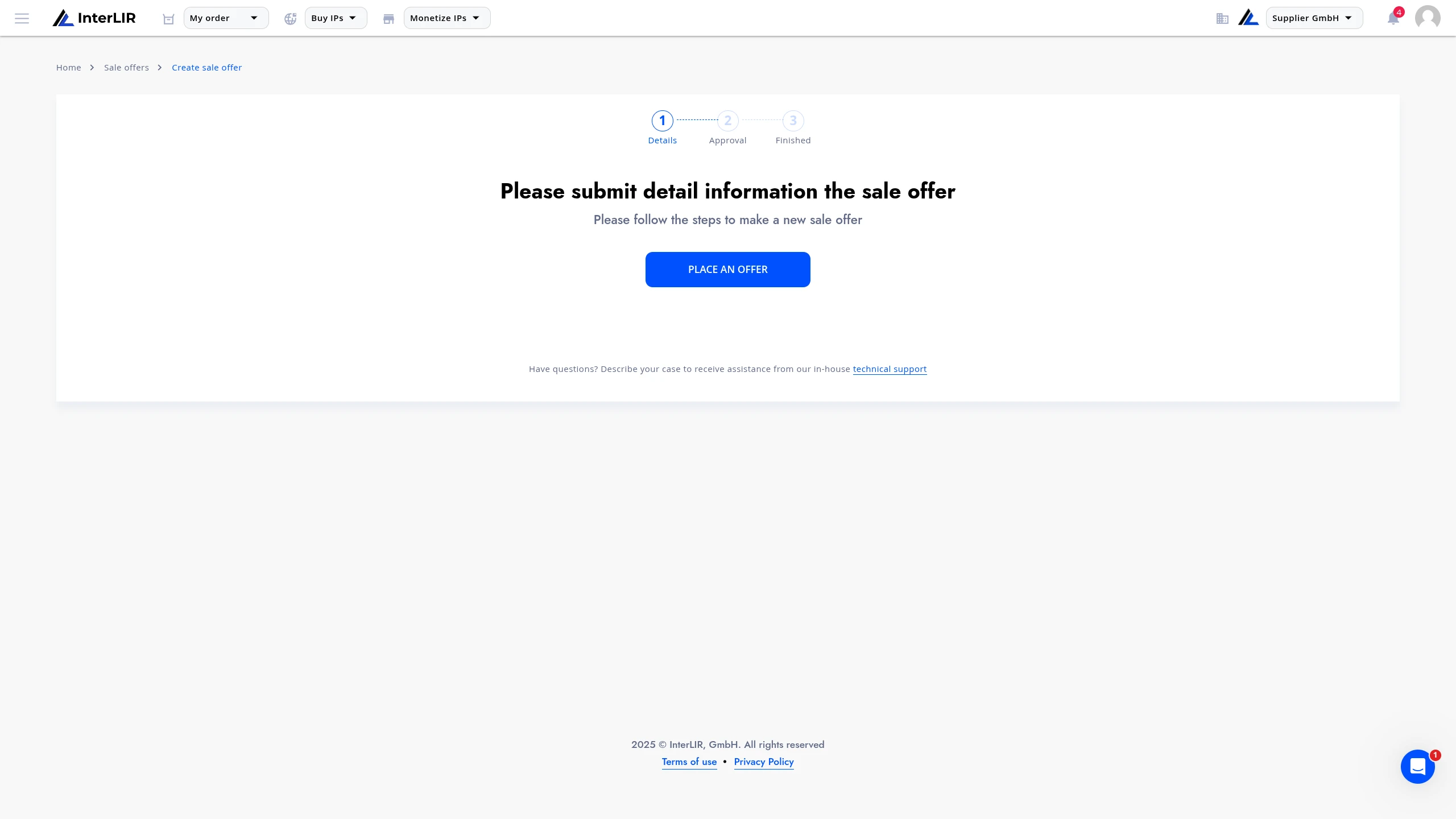
Once you're on the sale offers page, click Sell IP-block to begin creating your sale offer.
2. Fill in Block and Offer Details
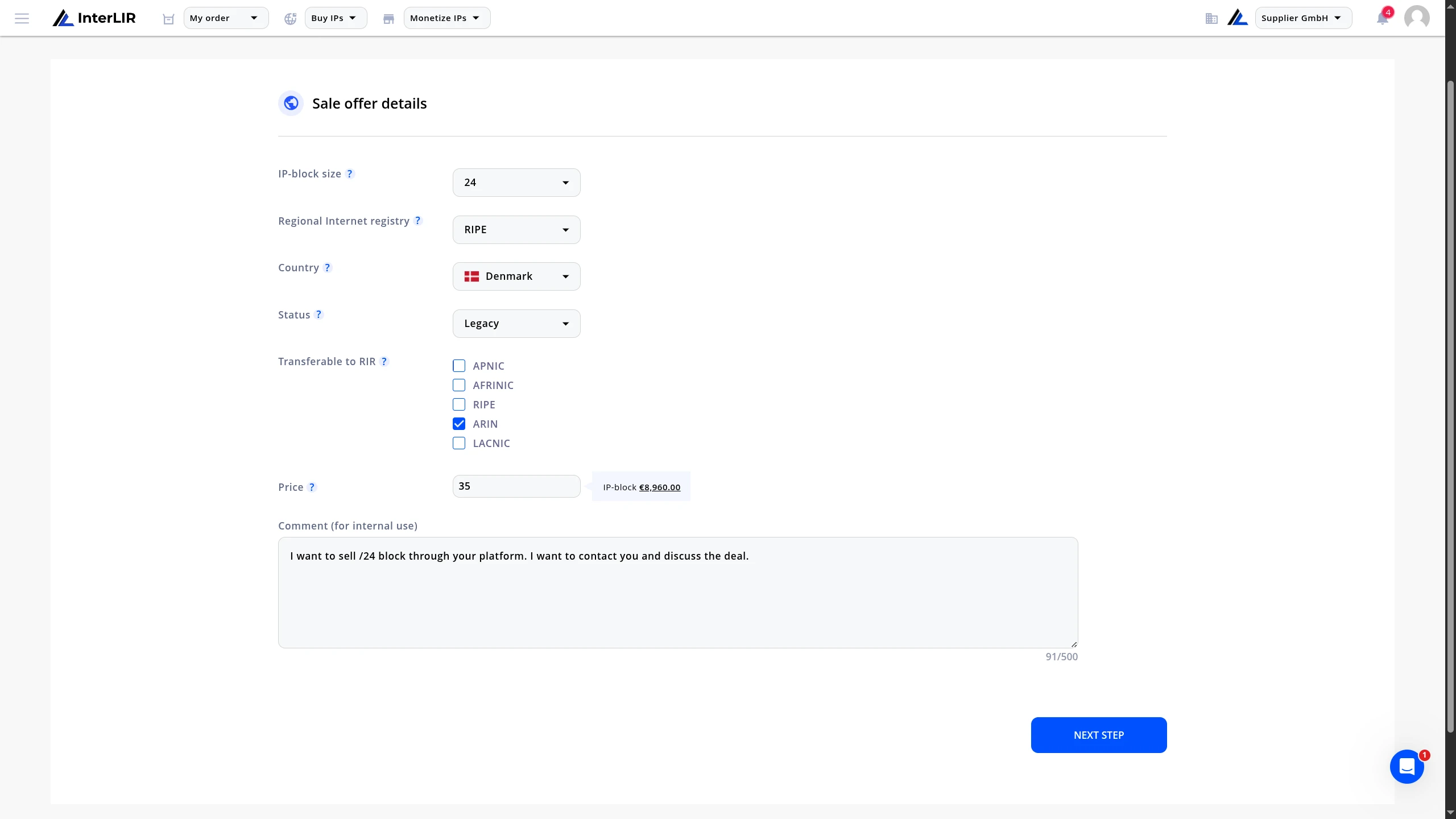
In the opened form, provide the following information about your IP block:
- IP Block Size — the size of your IP address block
- RIR — the Regional Internet Registry (RIPE, ARIN, APNIC, etc.)
- Country — the country where the block is registered
- Status — current status of the IP block
- Transferable to RIR — whether the block can be transferred to another RIR (if applicable)
- Price per IP address — your asking price per individual IP address
You may also include a private comment visible only to InterLIR staff for additional context.
Once all information is complete, click Next Step to submit your request for review.
3. Wait for Approval
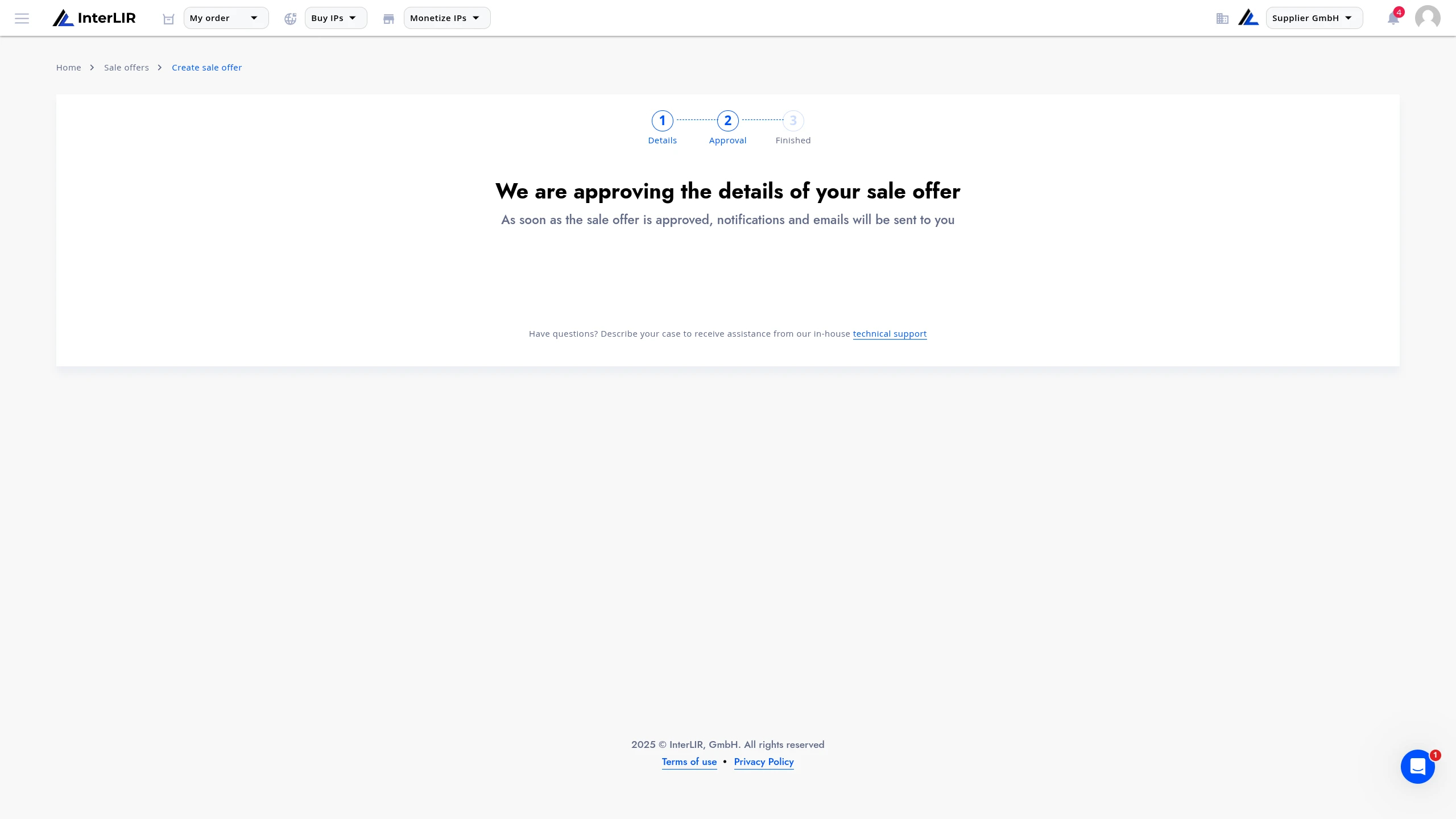
Once submitted, your sale offer request will be reviewed by our team to ensure all information is accurate and complete.
You'll be notified once the review process is complete.
4. Offer Becomes Public
After approval, your sale offer will be published and visible to Customers on the public sale page:
📍 Marketplace → For Sale → Sale Offers
🔗 https://portal.interlir.com/sales-offers
Interested customers can request deal details or express purchase interest through our sales team.
See: How to Buy an IP-Block for the customer perspective.
You can track your active sale offers and their status from the My Sale Offers tab.
Need Help?
For assistance with creating sale offers, listing IP blocks, or contract signing, contact our sales team:
📨 Alexei Krylov — [email protected]
📨 Evgeny Sevastyanov — [email protected]
👉 interlir.com/team